


Melbourne Instruments Roto-Control
4.4 étoiles sur 5 d'après 20 évaluations clients
()

Commencer le 360°
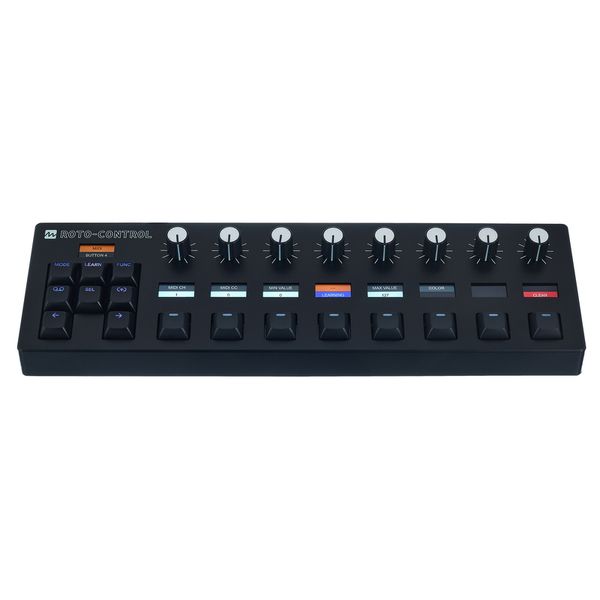
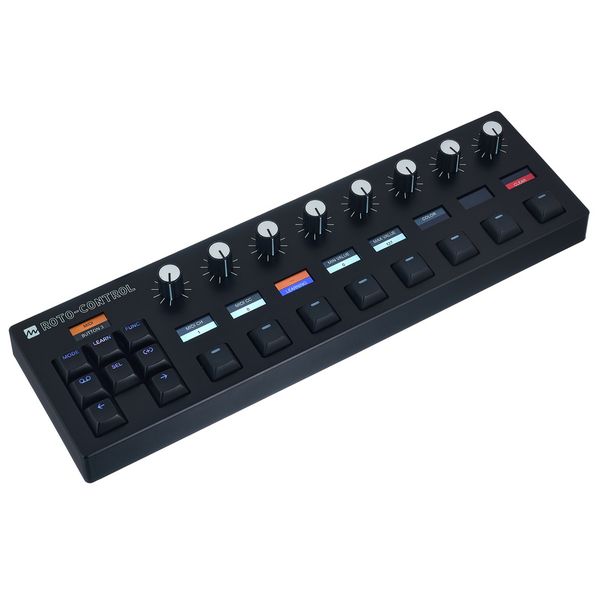
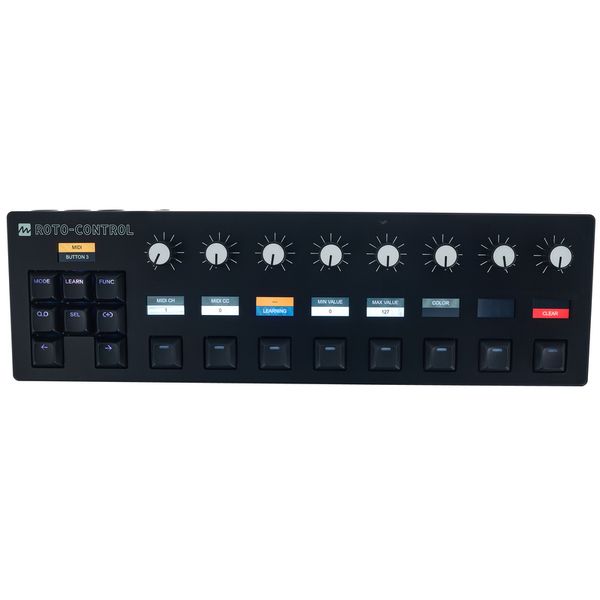
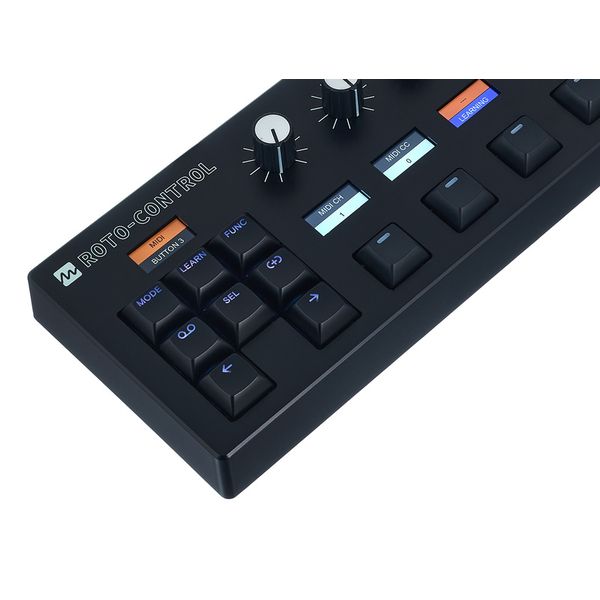
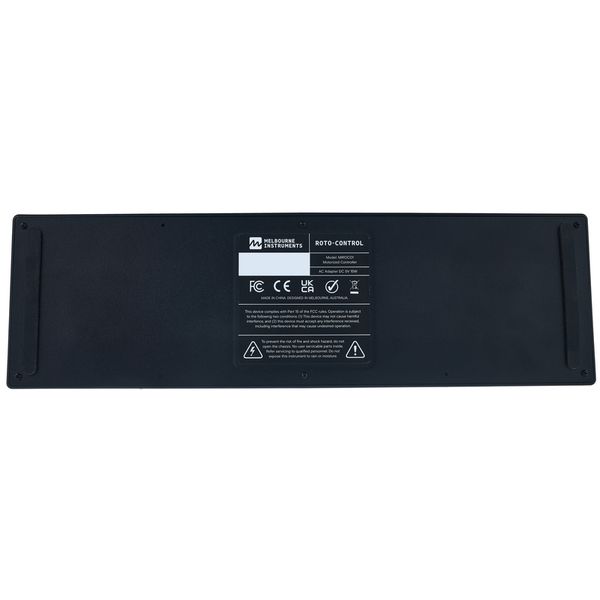
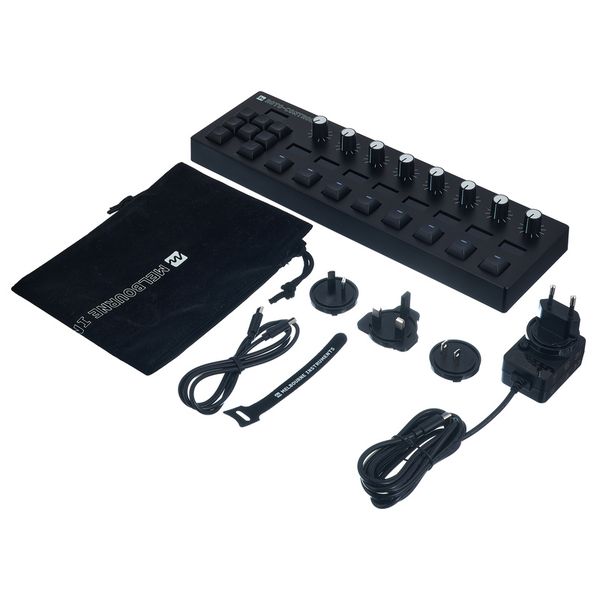


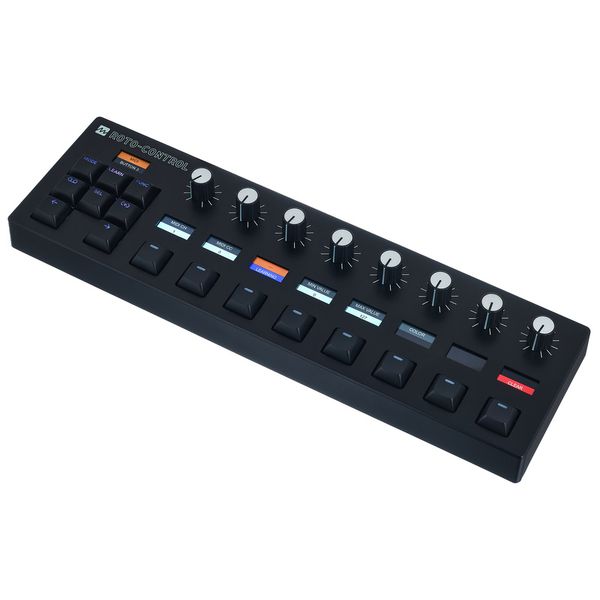
Contrôleur MIDI et DAW
- 8 commandes motorisées et tactiles
- Contrôle de matériel et de logiciel sans sauts de paramètres
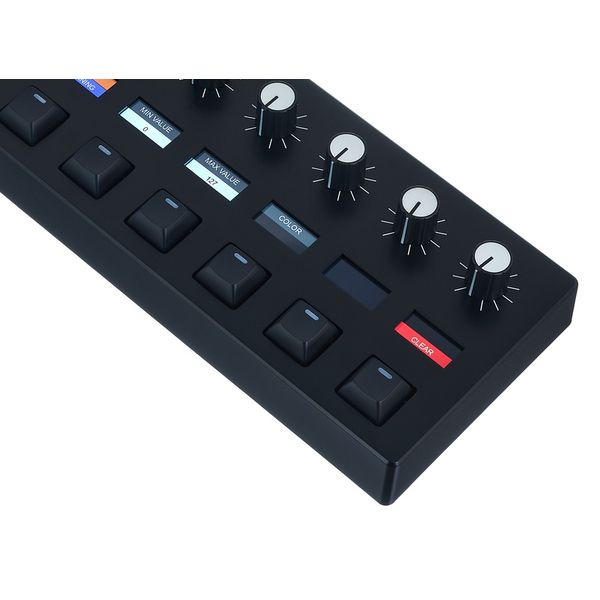
- 9 écrans LCD pour la programmation et l'étiquetage des commandes
- 16 boutons avec LED RGB
- Intégration étendue avec les logiciels DAW Ableton Live, Logic Pro, Bitwig Studio et Cycling ’74 MAX
- Mode MIDI pour contrôler le matériel et les logiciels MIDI
- Motion Recorder permettant d'enregistrer jusqu'à 8 paramètres (16 à 64 pas)
- Emplacements mémoire pour 64 configurations avec 8 banques par configuration (64 commandes et 64 boutons)
- Edition directement sur l'appareil ou via l'application Roto Setup (Mac et PC)
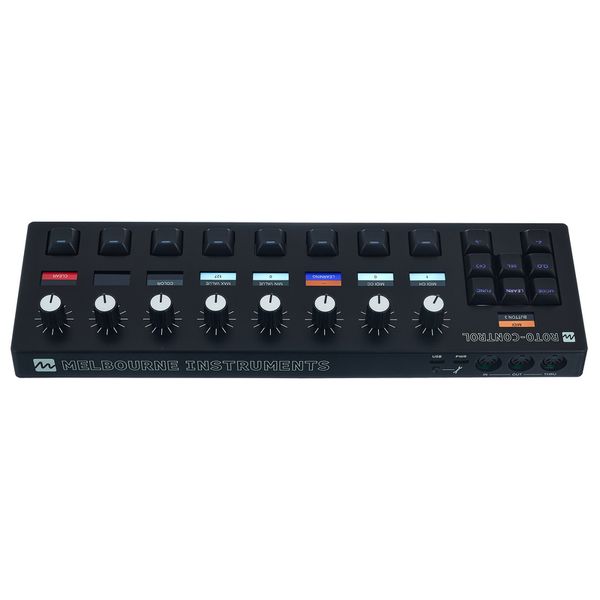
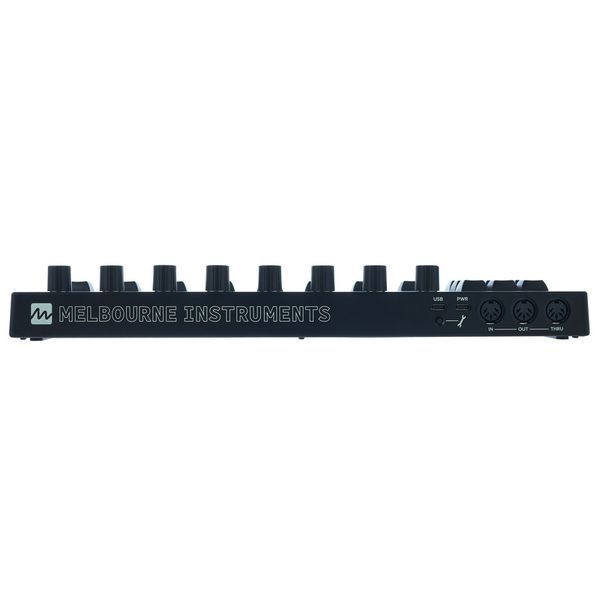
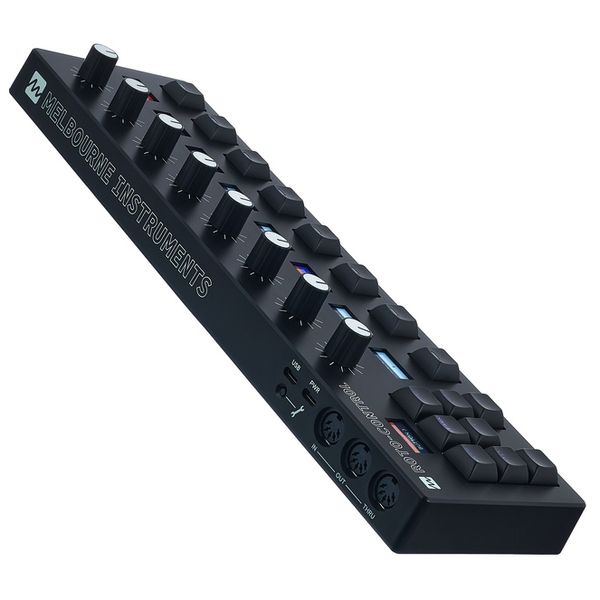
- 2 ports USB-C (1x ordinateur et USB MIDI, 1x pour l'alimentation)
- MIDI In/Out/Thru sur DIN 5 broches
- Dimensions (L x P x H): 341 x 112 x 44 mm
- Poids: 715 g
- Câble USB-C, bloc d'alimentation externe (USB-C, 5 V, 15 W) et sac de transport incl.
-
Référencé depuis Février 2025
-
Numéro d'article 610074
-
Conditionnement (UVC) 1 Pièce(s)
-
Pédale basse Non
-
Contrôleur souffle Non
-
Contrôleur MIDI Oui
-
Filtre Non
-
Effets Non
-
Séquenceur Non
-
Expansion spécifiques Non
-
USB Oui
-
DIN 5 broches MIDI Oui
-
Faders 0
-
Potentiomètres 8
-
Fonctions de transport Oui
-
Autres options Contrôle de moteur
-
Voir les variations de ce produit

Bundles & offres

Les clients qui ont regardé ce produit ont acheté ceci
Comparez les alternatives
-
Afficher les Contrôleurs DAW dans la fourchette de prix 400 € - 500 €
-
Aller à la catégorie Périphérique Synthétiseur
-
Aller à la catégorie Contrôleurs DAW
-
Aller à la catégorie Contrôleurs
-
Aller à la catégorie Studio & Enregistrement
-
Voir les infos pour le constructeur Melbourne Instruments
-
Melbourne Instruments Studio & Enregistrement en un clin d'oeil