
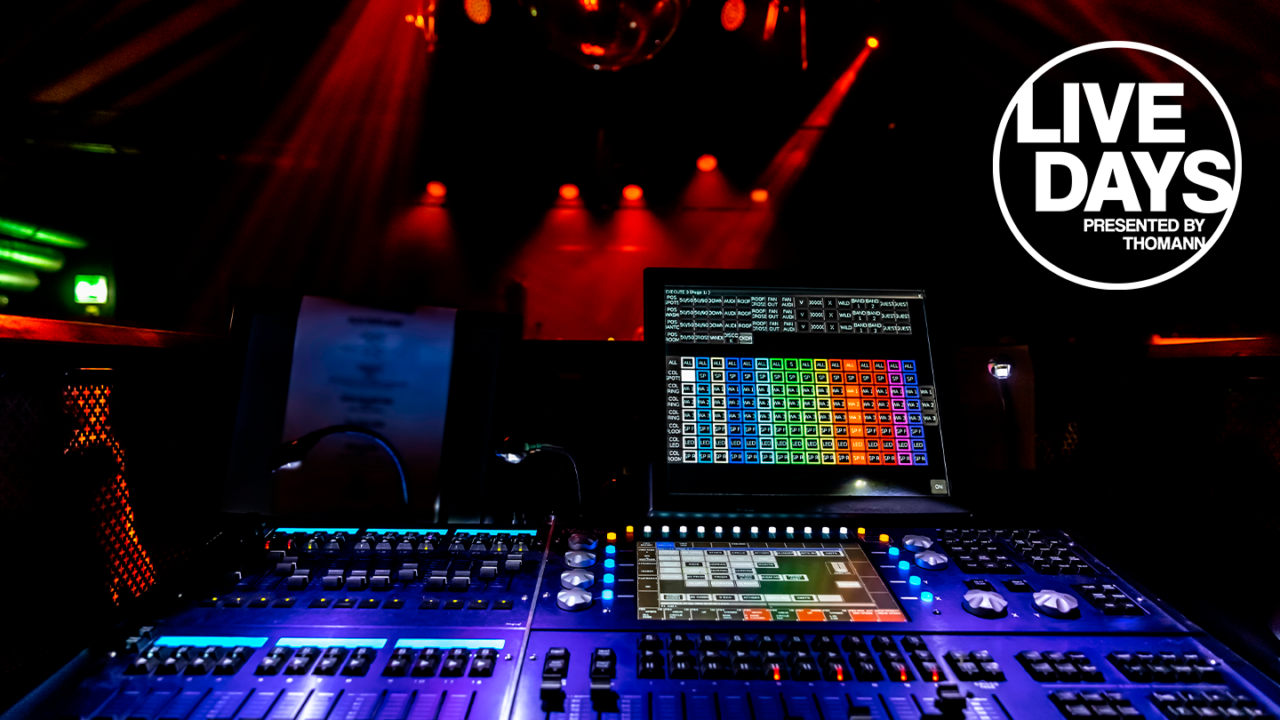

What is DMX? We talk a lot about sound on this blog. But lighting is also a key part of the stage! If you’re here, someone probably mentioned DMX to you and you may not really understand what it is yet. Even in the world of lighting, one rule still applies: knowledge works wonders! And with a bit of reading, you’ll be able to use DMX yourself too. So, what exactly is DMX and how does it work? Save this article to your bookmarks!
The basics of DMX: it’s a control signal, the language of lighting control
What is DMX? You probably already know that lighting fixtures can now be programmed to create all kinds of scenes and effects. Flashing lights, moving beams, changing patterns, smoke output… In some shows, more than fifty fixtures are controlled at the same time. Needless to say, it would be impossible to control each fixture manually without programming!
That’s where DMX comes in: it is simply the lighting control protocol used all over the world. The principle is simple: the controller and connected devices communicate via DMX, which stands for “Digital Multiplex”. In short, DMX is the “language of lighting control”.
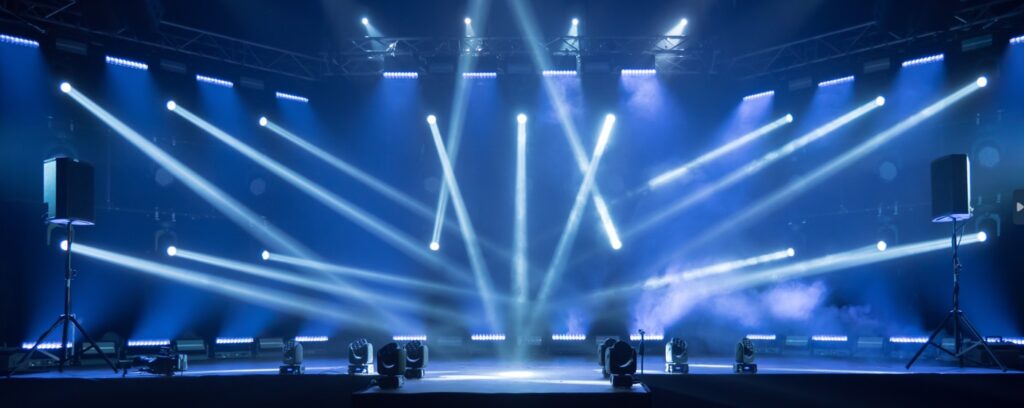
Introduction: DMX is used to transmit commands: color, intensity, fixture movement…
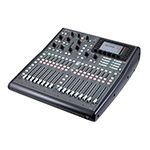
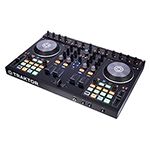
Color changes, fixture movement, dimming… the commands sent to lighting fixtures travel through cables and are read using the DMX protocol. To send this information to the fixtures, most people use either a physical lighting console (the digital desk you see in concert venues) or a computer with suitable software.
In practice, a DMX line carries digital signals through a cable (usually 3-pin or 5-pin XLR) and allows you to control:
- lighting fixtures (intensity, colors, gobo, zoom, tilt/pan for moving heads, etc.),
- smoke or haze machines,
- strobe lights,
- lasers,
- certain LED controllers or special devices.
Each device receives a DMX address (the mailbox number) and a number of channels assigned to that address (the package size). The DMX controller then sends a series of values (from 0 to 255 per channel) to control everything, several times per second (250kb/s). Communication only goes in one direction: from the control console to the lighting fixtures. Depending on its complexity, each DMX device can have more or fewer assignable channels.
| Device type | Typical channels | Controlled parameters |
| Simple dimmer | 1 | Light intensity |
RGB LED PAR | 3 to 7 | Red, Green, Blue, master intensity, strobe, effects |
| RGBW LED PAR | 4 to 10 | Red, Green, Blue, White, + additional effects |
| Smoke machine | 1 to 3 | Trigger, intensity, fan |
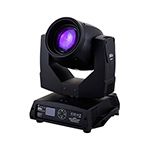
| Moving head fixture | 12 to 32 | Pan, Tilt, Dimmer, Color, Gobo, Focus, Prism, Strobe… |
| LED pixel bar | 3 × N channels | 3 RGB channels per pixel (e.g. 64 pixels = 192 channels) |
1- The equipment needed to control a DMX fixture | What is DMX?
You need :
- One or more controllable digital lighting fixtures
- One or more DMX cables to build your chain or setup.
- A small cap to place at the end of your DMX chain (DMX terminator)
Why should I use an end cap/terminator at the end of my DMX chain?
This small cap is nothing more than a resistor placed at the end of each DMX chain. It is especially useful if you have long DMX runs with many fixtures (and therefore lots of cable). Since everything is connected in series, you want the signal to travel as efficiently as possible through the chain. This little cap prevents signal reflections and interference. So yes, it’s essential!
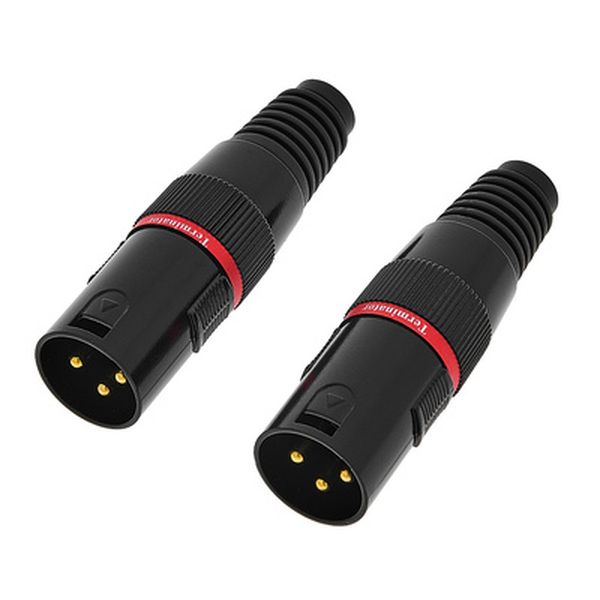
ADJ
DMX terminal resistor Set 3Pin
Be careful: a DMX cable can easily be confused with an XLR cable because they usually use the same connector. But they do not have the same impedance!
Can you use an XLR cable instead of a DMX cable to control lights?
Yes, but since the impedance of an audio cable is different (45–75 Ohms for an audio cable and 110 Ohms for a DMX cable), you may run into transmission issues: unwanted flickering, signal dropouts… because the cable will not transmit the correct voltage. It won’t damage your equipment, but we strongly advise against it.
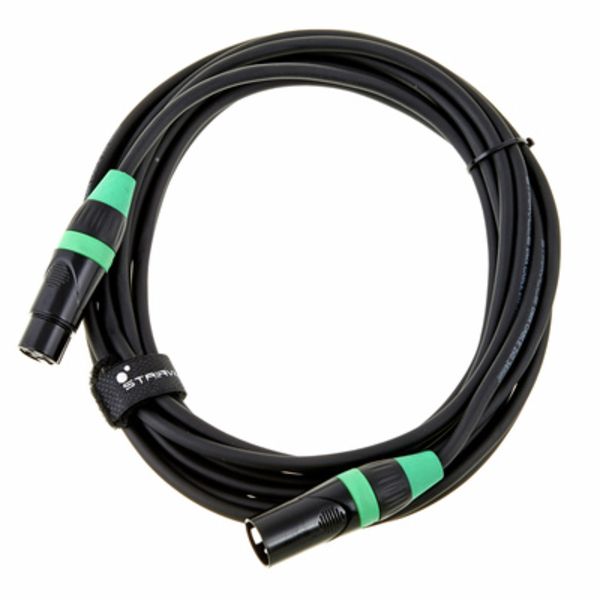
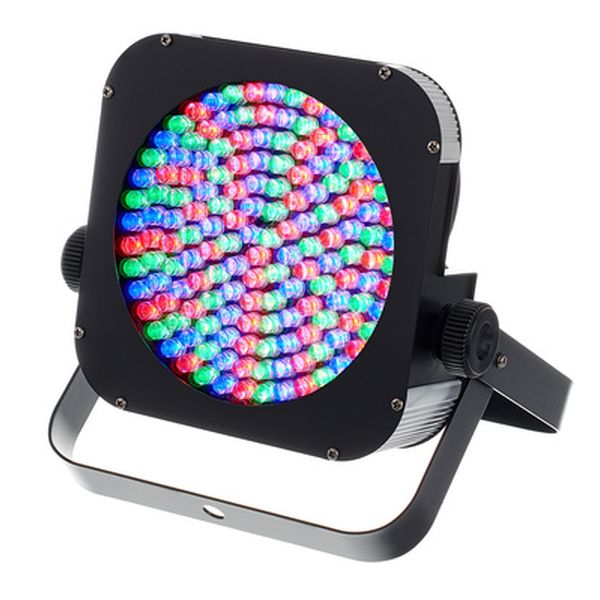
And if you have trouble telling your XLR and DMX cables apart, use colored tape! You can also store them in separate cases 😉
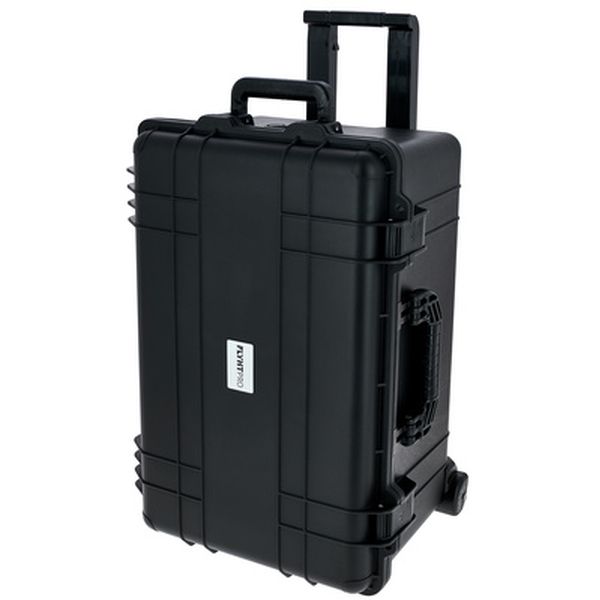
Flyht Pro
WP Safe Box 8 IP65
And to control everything…
- A DMX control console
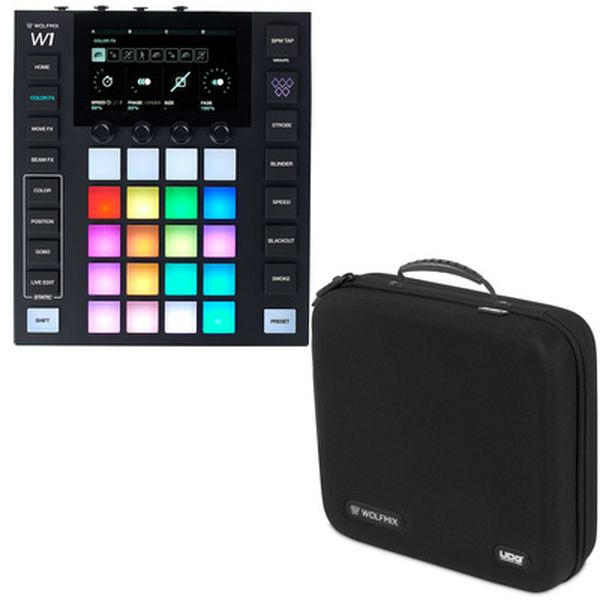
Wolfmix
W1 Mk2 Hardcase Bundle
OR
- A DMX -> USB interface + a computer + software to control your lights
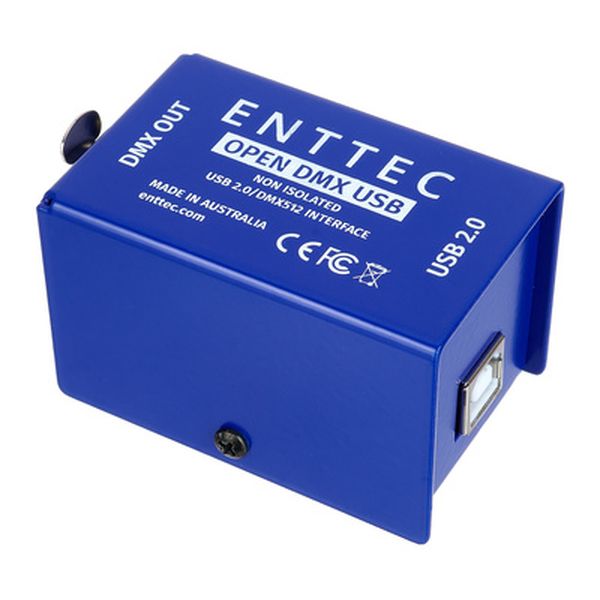
Enttec
Open DMX USB Interface
2- The DMX protocol – Complete explanation | What is DMX?
2.1 – What is a DMX address?
Now that your DMX line is set up, you have the right equipment and you know which commands you want to send to each fixture, it’s time to identify them properly. That’s where DMX addressing comes in.
The DMX address is the location where all your lighting commands will arrive. So you need to define an address for each fixture! Think of it like a delivery address: the package shouldn’t end up at the neighbor’s house. If you assign the same address to every fixture, the same command will be sent to the entire chain.
2.2 – DMX channels
DMX addressing follows a clear logic. You define an address for the fixture you want to control, then choose the number of channels you want to assign to it (the size of the envelope carrying the message). A DMX universe contains 512 channels, meaning 512 control lines that can be assigned to different devices as needed (intensity, RGBW, flashing effects…).

Stairville
DDS-405 LC DMX 4 Ch. Dimmer
2.3 – Fine adjustments on each channel
Now that the basic setup is complete, we can focus on the actual “lighting control”. For example, you can adjust light intensity from 0 to 255 (256 possible values, or 2 8). In practice, the message looks something like this: 00011101 — in other words, a sequence of 0s and 1s over 8 bits. And no, it’s not complicated: you already know the principle from audio when moving faders on a mixing console. It’s the same thing in DMX, except the scale has 256 steps in total.
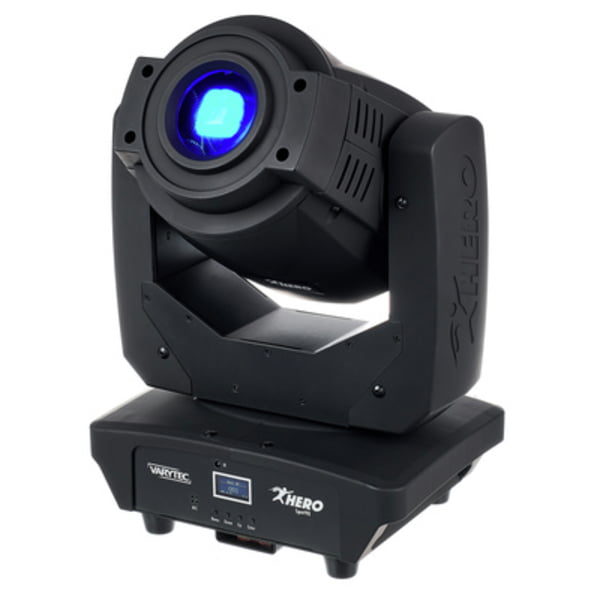
Varytec
Hero Spot 90
2.4 – Saving your settings
The biggest advantage of digital technology is that you can easily save all your settings. Every lighting engineer relies on saving presets to store fixture positions, colors, and even flashing sequences. On your software or console, you can save a scene (a “frozen” moment, like a snapshot of all channels at a specific time) or a chase (a sequence whose speed can be adjusted).
What is DMX – Got a comment to add to this article? We’d love to hear your thoughts or tips!
Tell us in the comments which topics interest you the most. We’ll take care of the rest!





Comments 0
No comments yet.