
Building a beginner lighting setup: are you a musician or DJ looking to bring your show to life with lighting, or an aspiring lighting technician? You’re in the right place! All the tips in this article are to help you build your first lighting setup – what gear to choose, how to configure it, we’ll go through everything to make it easy to set up.
Gear: The different types of stage lighting
Just like there are different types of microphones in audio, there are different types of lighting fixtures.
This is often the classic bulb-based fixture you’ll find in theaters and concert halls… old school style. Today, there are options that run cooler and consume less power (hello LED!).
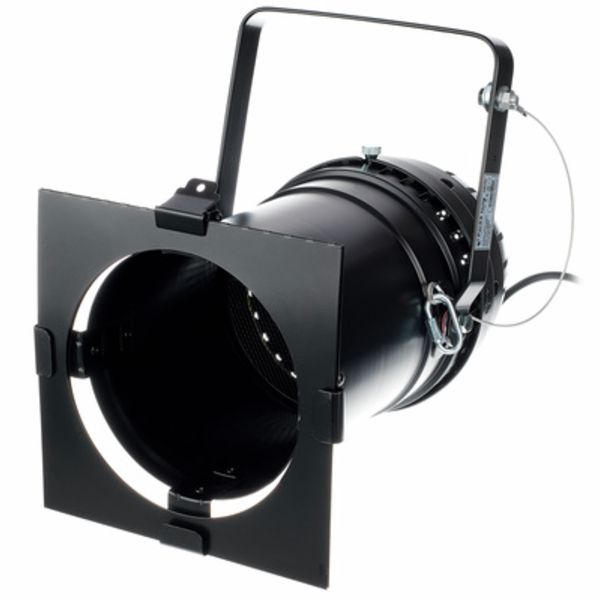
Stairville
Par 64 black long
- LED PAR spotlight (LED Parabolic Aluminized Reflector spotlight)
LEDs have revolutionized the lighting world. Lower power consumption, less heat… and they’re affordable.
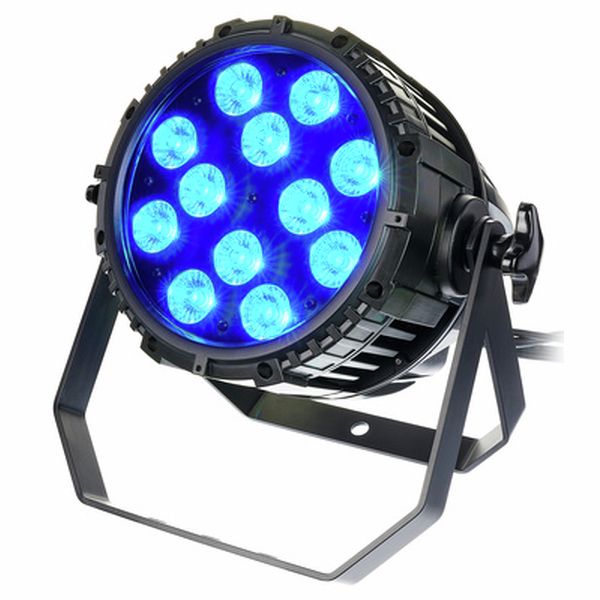
Stairville
Outdoor Stage Par Pro QCL MKII
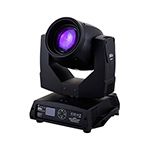
Moving heads are usually motorized fixtures that offer a wide range of colors, patterns, and angles. They’re perfect for dynamic stage lighting, but also often the most expensive, especially since you’ll want more than one!
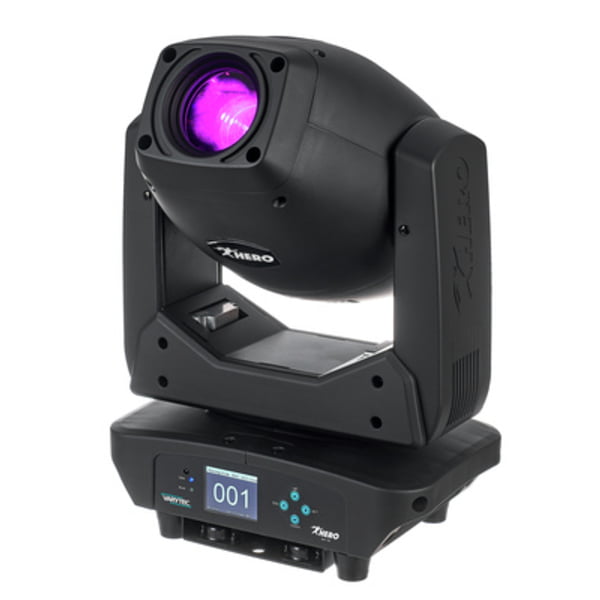
Varytec
Hero Spot 230
No need to introduce it, you can already see it flashing in your mind 😉
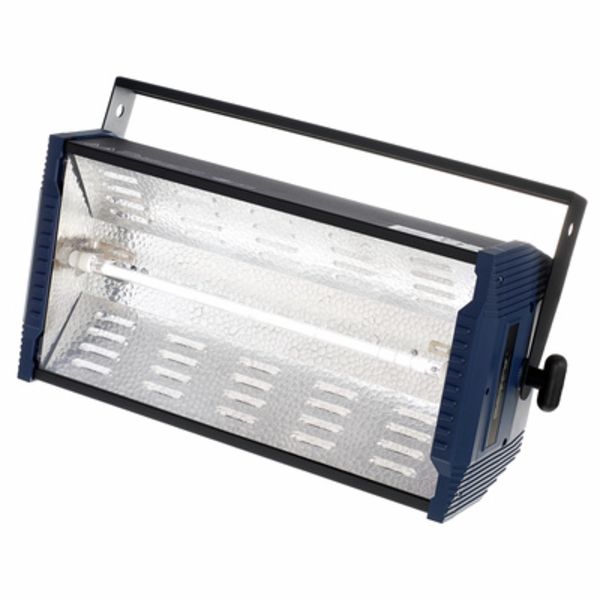
Botex
SP-1500 DMX Strobe
As the name suggests, this powerful fixture can project light over long distances to follow a subject. It can be operated manually or with a motor.
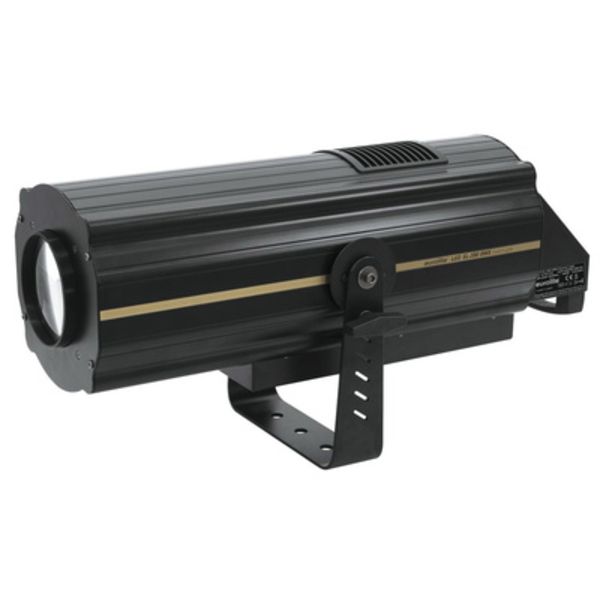
Eurolite
LED SL-350 DMX Search Light
This is the one that blasts the audience with light and can leave you temporarily blinded when it’s too intense.
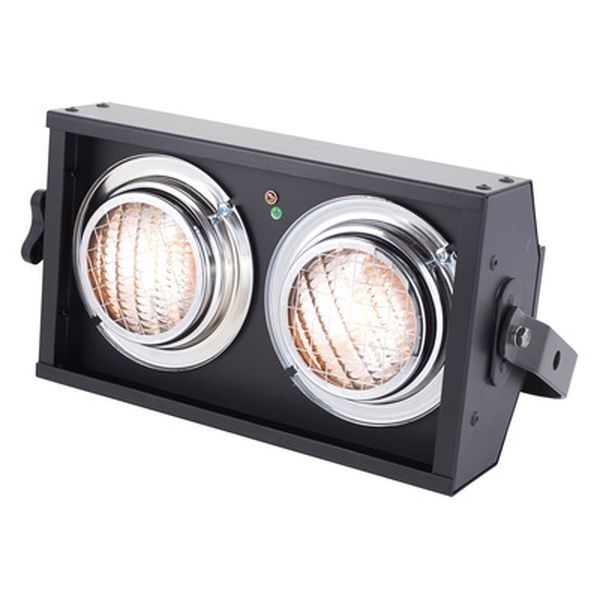
Showtec
Stage Blinder 2 DMX
Lighting: Different positioning techniques
Depending on what you want to light, you won’t place your fixtures in the same way.
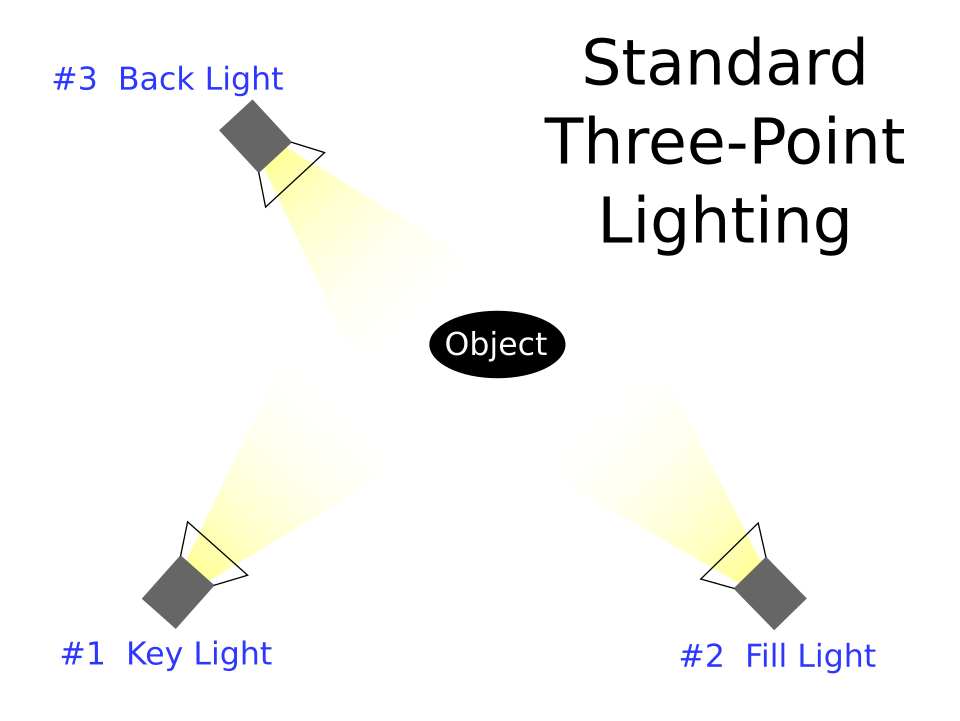
- To light a subject cleanly: you’ll need three-point lighting.
This is the basic setup. You create a triangle with your lights and place the subject in the center (see diagram below). The first light is the key light, which primarily illuminates the subject. The second fills in the shadows (often quite harsh) created by the first light, hence the name “fill light.” And the third light? The “back light” separates the subject from the background by creating a subtle glow around the edges, especially the hair. This is especially useful if you’re wearing black on a dark background, for example.
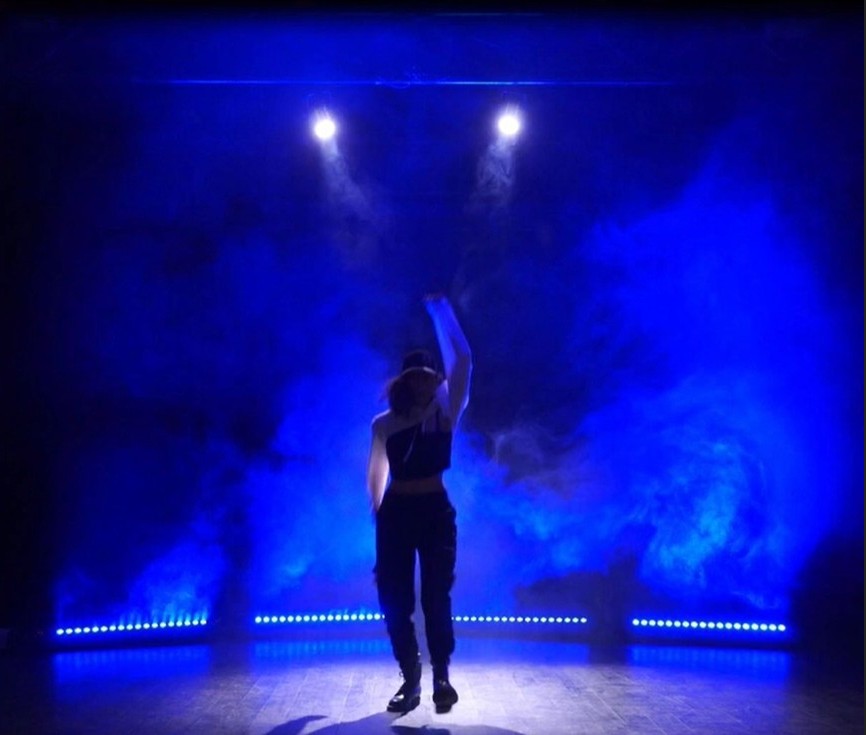
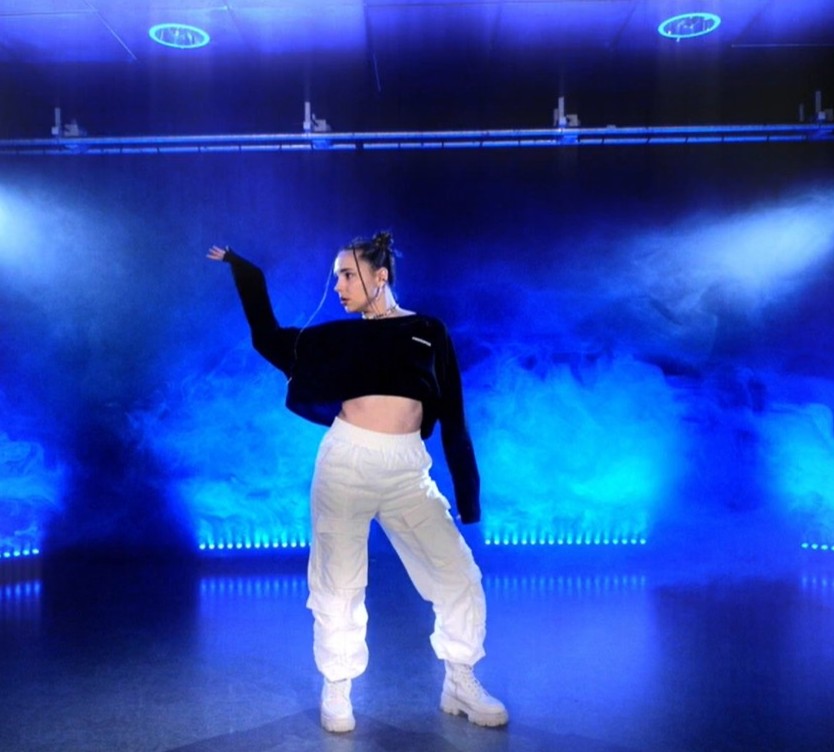
Here’s an example of a nice setup: on one side, properly executed three-point lighting… and on the other, without the key and fill light.
- To create a colorful atmosphere: side or back lighting
Side lights, placed on the sides of the stage, are the kings of color. To create a broad and diffuse colored atmosphere, it’s best to use several wide-beam fixtures placed on the sides of the stage. If you want something more direct, you can add colored fixtures at the back of the stage, positioned as backlights, either high or low depending on available rigging. You can also light the backdrop in color, it can look great, especially if you don’t have access to haze or smoke.
- To add punch to your music: blinders, moving heads, and strobe lights
Smoke: just as important as your lighting setup!
Smoke is extremely common in lighting setups. It allows the beams to become visible, making it possible to see patterns, shapes, and beam angles from the audience. Without smoke, having moving heads and spending time programming them is of little use!
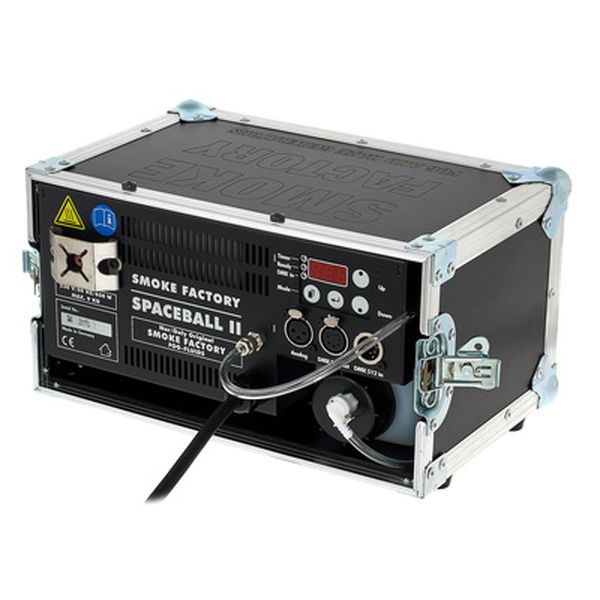
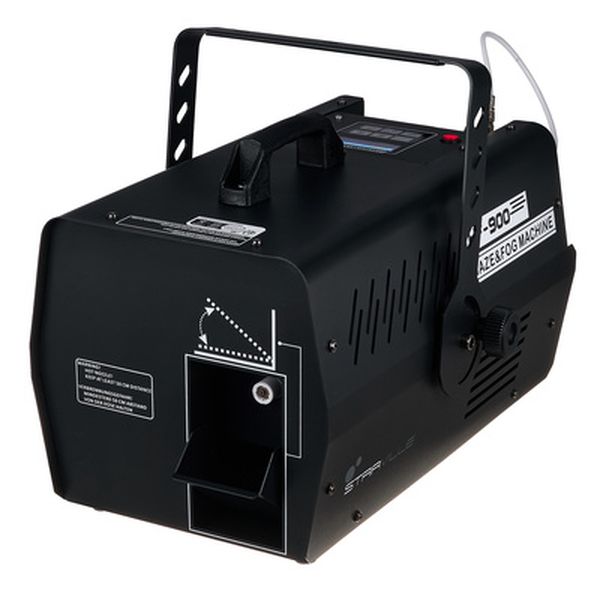
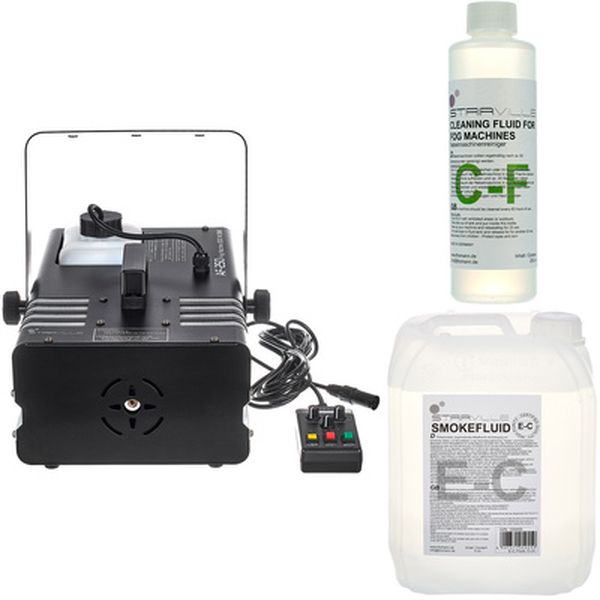
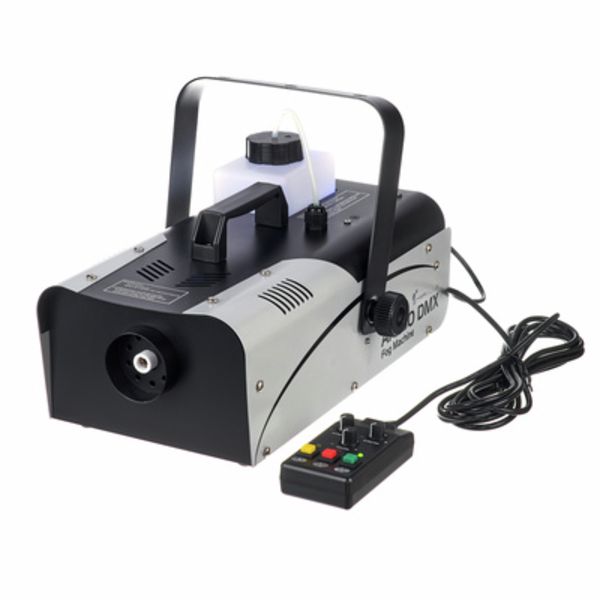
There are different types of machines and different types of smoke: light, heavy, etc. Light smoke dissipates quickly and remains very airy. Heavier smoke tends to stay in a defined area and offers a richer texture. Smoke machines are great for indoor use, and for outdoor setups, we recommend going for heavier smoke that won’t dissipate too quickly in open air.
In indoor spaces, haze machines are also widely used. Compared to a smoke machine, a haze machine produces a smooth and even texture throughout the room, resulting in very symmetrical lighting with no breaks in the beams. It’s often left running for a while before the show.
Animation: controlling color and rhythm
Want to control your fixtures precisely in sync with your music? You’ll need to get familiar with DMX. Good news, we’ve got a great article to help you understand it:
For those who prefer simple automatic presets to start with, some lights come with built-in microphones and react to sound, like the “music mode” on the Stage TRI LED Bundle Complete. The advantage of this set is that it includes several fixtures, and you can later control them via DMX or with the included footswitch.
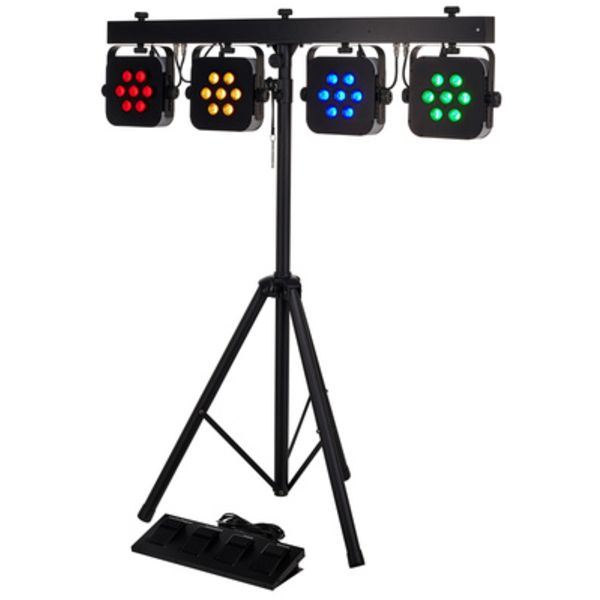
Stairville
Stage TRI LED Bundle Complete
Setup: software or external controller?
As we’ve seen, many fixtures today can be controlled via remote, footswitch, or built-in automatic modes that make life easier!
If you want to program precise sequences, you have two options:
Hardware:
If you have enough space and want hands-on control (or someone to handle it for you), an external controller is a must.
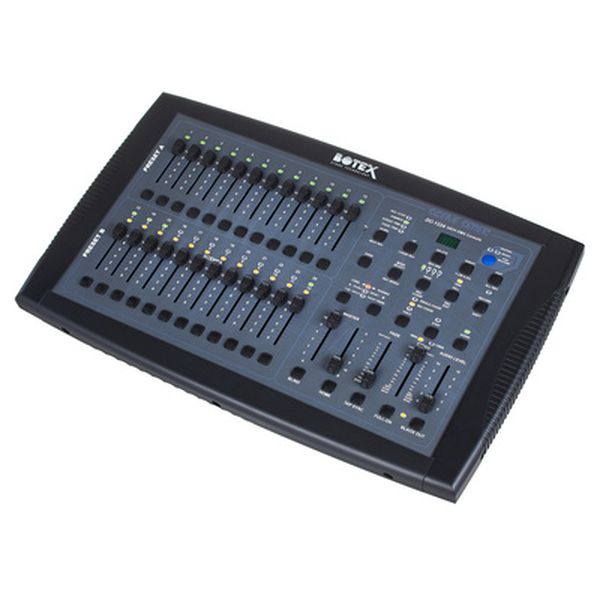
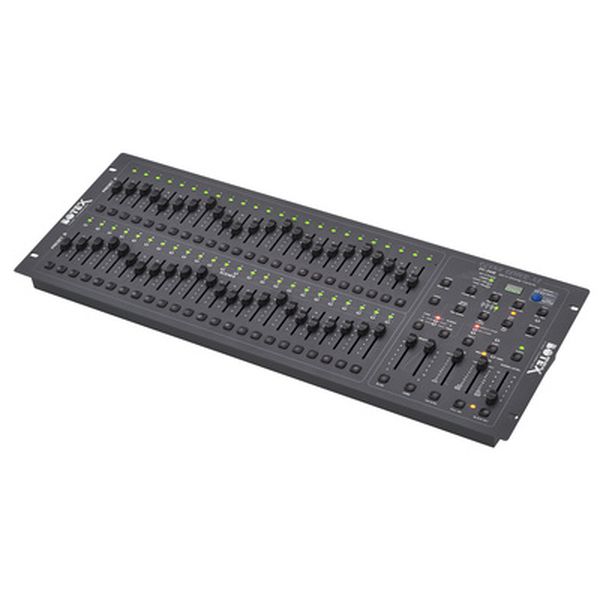
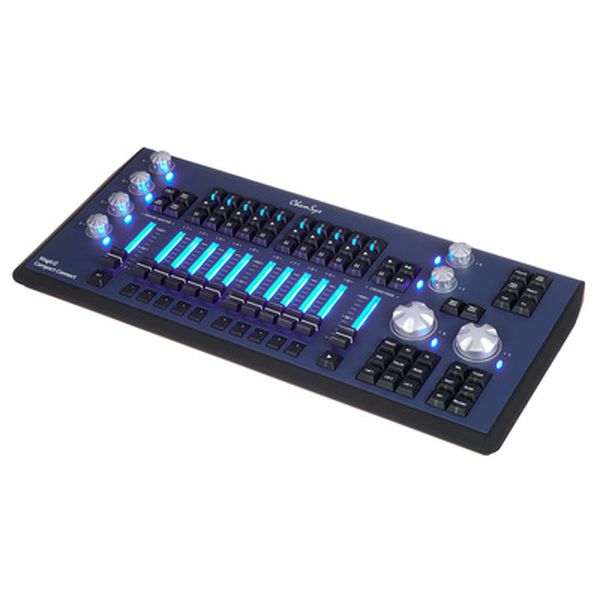
Software:
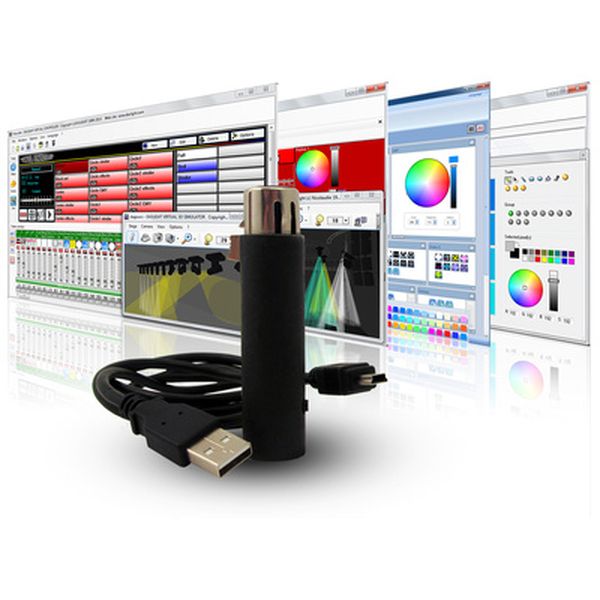
Today, many software solutions offer DMX control. It’s simple: just get a small DMX/USB interface to convert signals from your computer to your lighting fixtures.
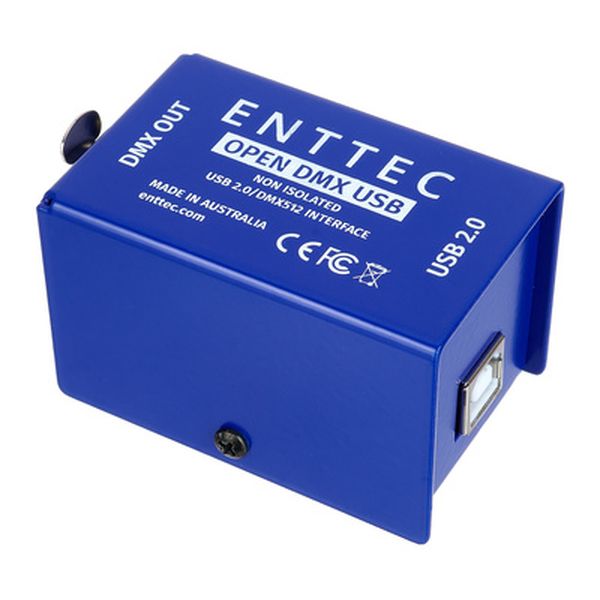
Enttec
Open DMX USB Interface
There are several dedicated DMX control software options, including Chromateq, FreeStyler, MagicQ, QLC+, or Sunlite, which comes with its own interface.
Sunlite
SUSHI-Z1 USB-DMX Interface
Is it possible to control your lights from your DAW?
Yes! If you want to control your lighting directly from your DAW, it’s possible. With a bit of clever setup, MIDI-to-DMX interfaces are available on the market. Let’s be honest, DMX remains the best protocol because it offers more flexibility: multiple channels, easier programming, and more. But it usually requires external control. With MIDI to DMX, you simply create a MIDI track, program RGB channels, connect the interface to your audio interface, hit play… and everything syncs perfectly with your DAW timeline.
Essential accessories for your first lighting setup
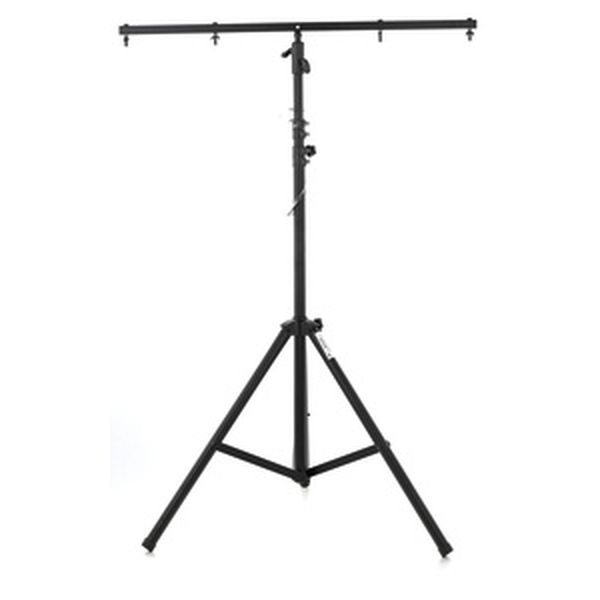
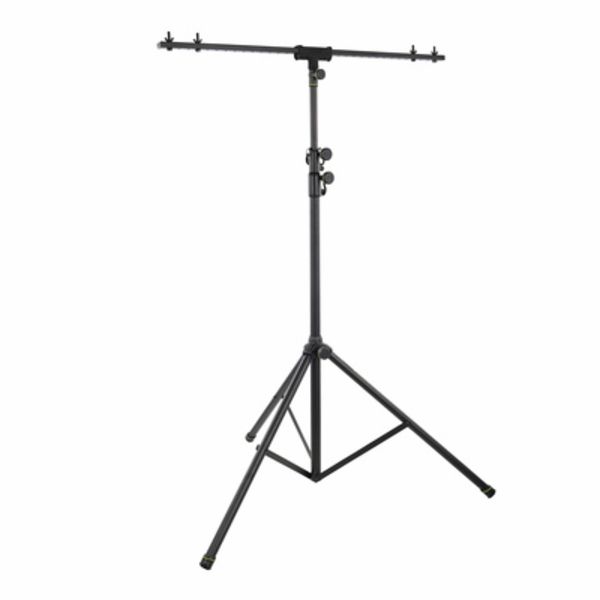
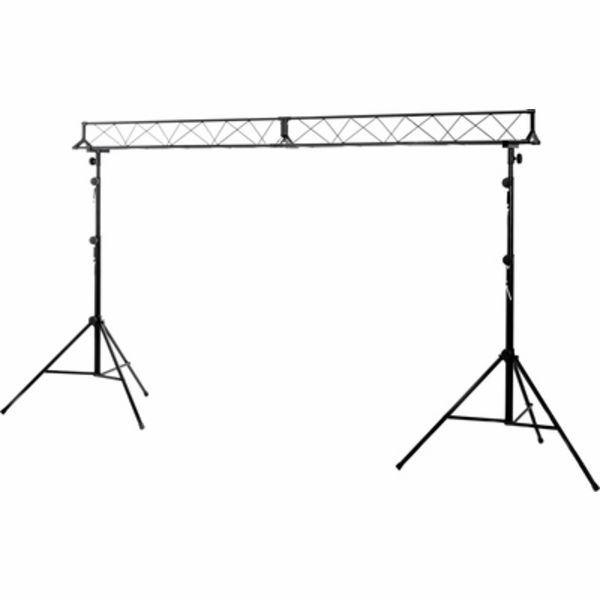
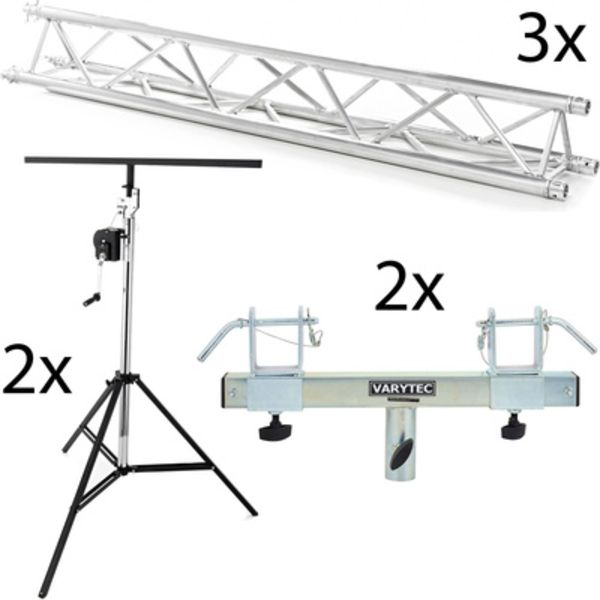
Trusses and bars to mount your fixtures
Safety first:
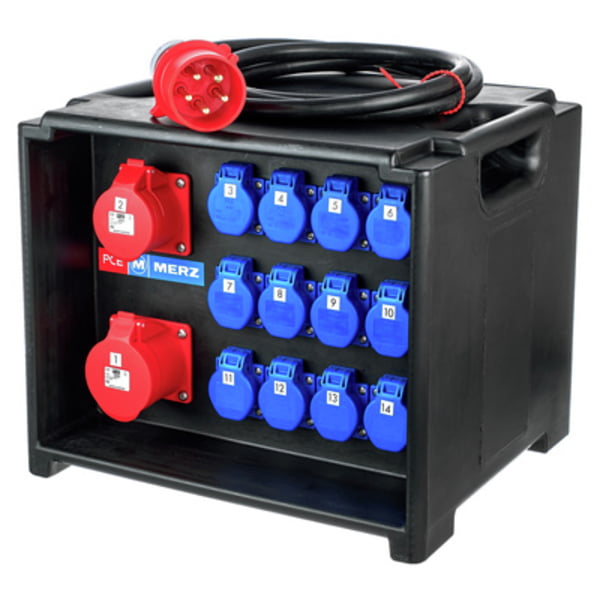
Be careful, lighting is very different from audio. It consumes much more power, especially if you’re not using LED fixtures! Here are a few safety tips:
- Check the available power capacity where you’re plugging in
- NEVER plug a power strip into another power strip, it’s a fire hazard
- If you’re using a cable reel, fully unroll it, OR check the power limits when coiled/uncoiled. Otherwise… it might heat up like a transformer.
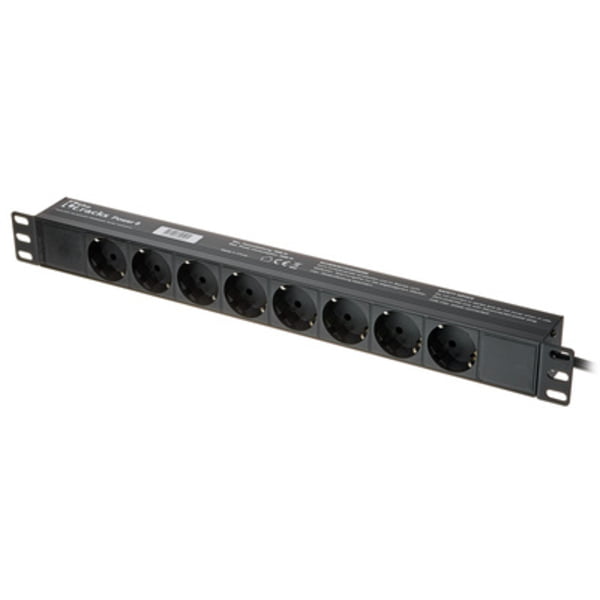
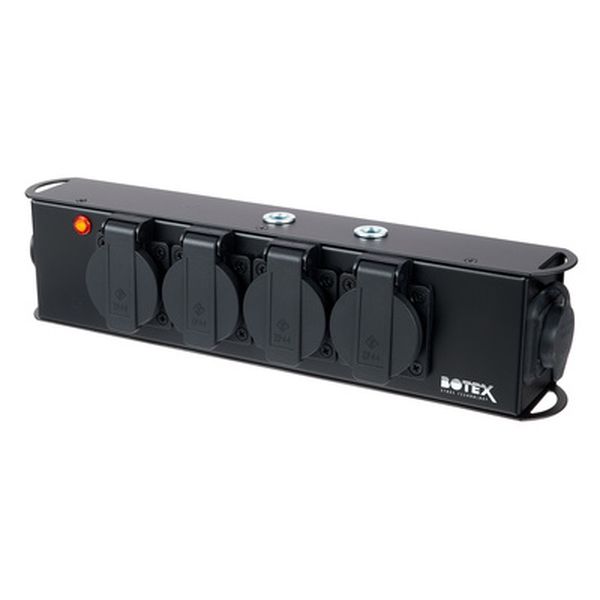
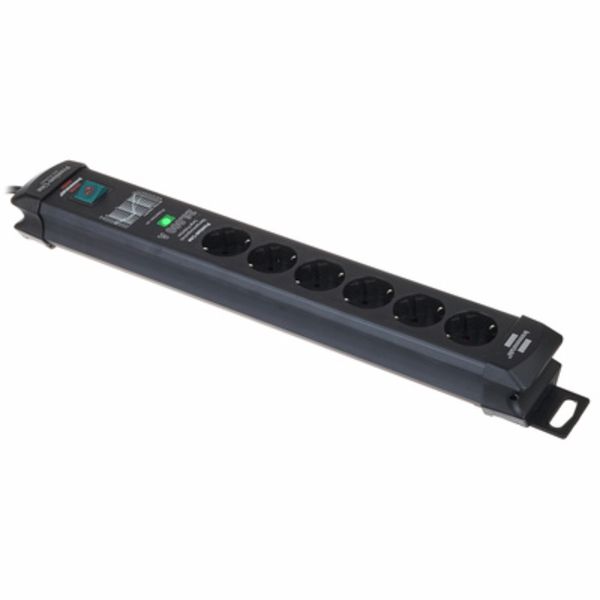
- Buy proper extension cords and power strips, surge protection is even better.
Building a beginner lighting setup: want to learn more about DMX?
Check out our article on the topic: What is DMX?





Comments 0
No comments yet.