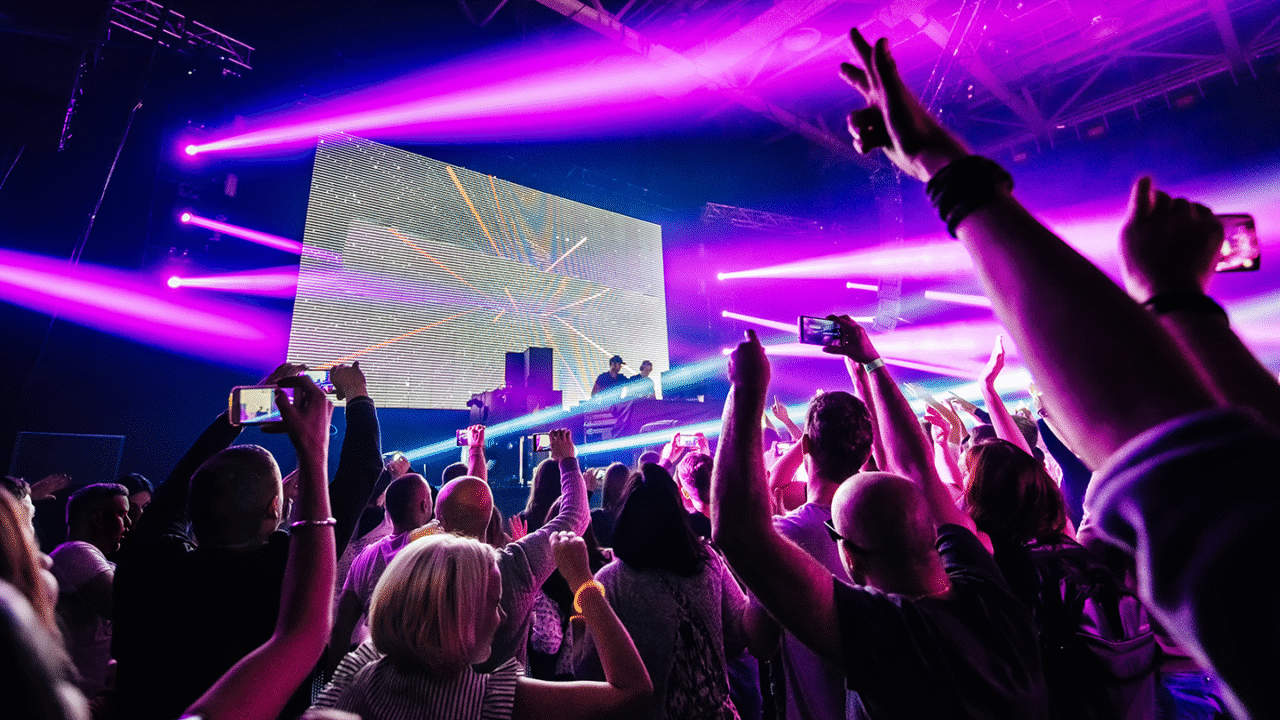

Once upon a time, DJs focused exclusively on track selection, transitions, and the vibe on the dancefloor. With digitalisation — where the next track lands on the “turntable” within seconds and can be instantly mixed via sync — it’s easy to feel underchallenged. So what do you do with all that “extra” time? Get stuck into DJ effects! 🎧💥

But tweaking DJ effects shouldn’t be a pastime or an outlet for hyperactive overkill. Instead, they should give your tracks a personal touch by adding energy and creating targeted emotional impact. This blog will show you which effect helps you achieve this — and how.
The technical requirements
The Pioneer DJM-500 mixer is considered a gamechanger thanks to its effects section, serving as the blueprint for everything that followed — DJ mixers, controllers, and DJ software alike. Echo, delay, flanger, phaser, and reverb have since become standard FX, each with routing options (channel or output), an intensity control (dry/wet), and an adjustable beat length that determines the effect’s cycle.
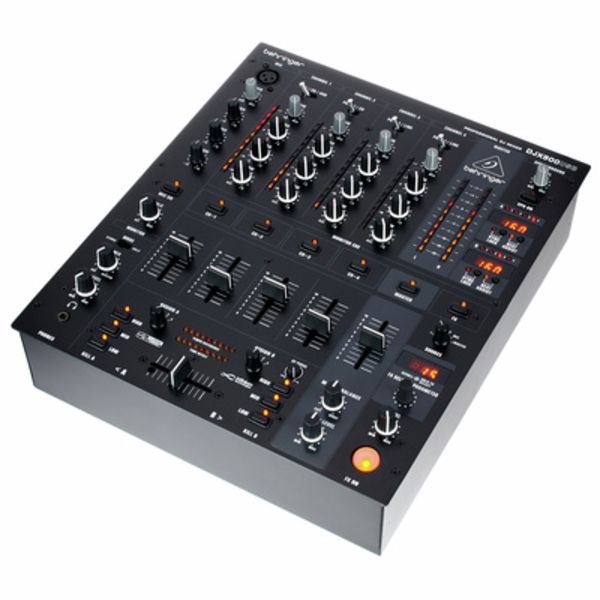
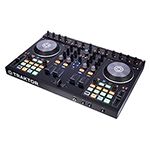
Behringer
DJX900USB
Over the years, FX sections have been expanded with additional effects such as roll, helix, spiral, and turntable-inspired classics like backspin and brake, along with so-called colour/channel FX. The pioneers of these dedicated knobs were the low- and high-pass filters on each channel, which are now optionally joined by noise, crush, or matrix. The trick: you can combine one channel FX with one FX from the main effects section — and DJ software can even chain up to three effects.
Routing: DJ Effects
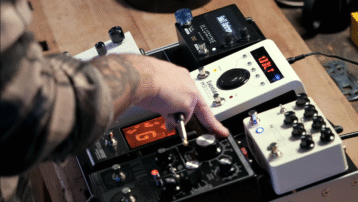
The effect is applied to the channel in post-fader mode — meaning it sits after the channel’s volume fader. This way, the channel volume also affects the effect volume, and when the line signal is muted, the effect tails out naturally. With master FX, the entire output is affected. If your mixer doesn’t have an FX section but does have send/return sockets, simply integrate an external effects unit like the Korg Kaoss Replay.
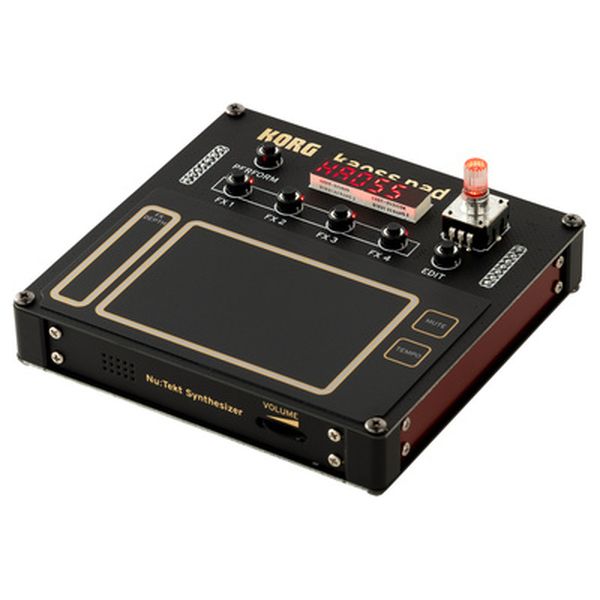
Korg
Nu:Tekt NTS-3
DJ Effects in the right place
Using an effect can smooth out the end of a transition. In a breakdown, effects can extend or intensify the build-up, boosting tension before the drop hits. But not every effect serves the same purpose — it’s all about the right dose.
The most popular DJ effects
1.) Echo
The echo is probably the best-known effect in the DJ world — and it’s my personal favourite. It repeats the original signal several times, fading in volume and, depending on the settings and any applied filter, adding a sense of spatial decay.
Usage:
The best way to end a blend is with an echo, placing the effect on the last beat or vocal so the track fades out smoothly when it ends. Otherwise, you’ll need to fade out the appropriate control or press the deck’s stop button. DJ controllers like the Rane One MKII — boasting a hefty 29 onboard effects — also feature the popular echo-out effect, which lets the signal naturally exit via the echo.
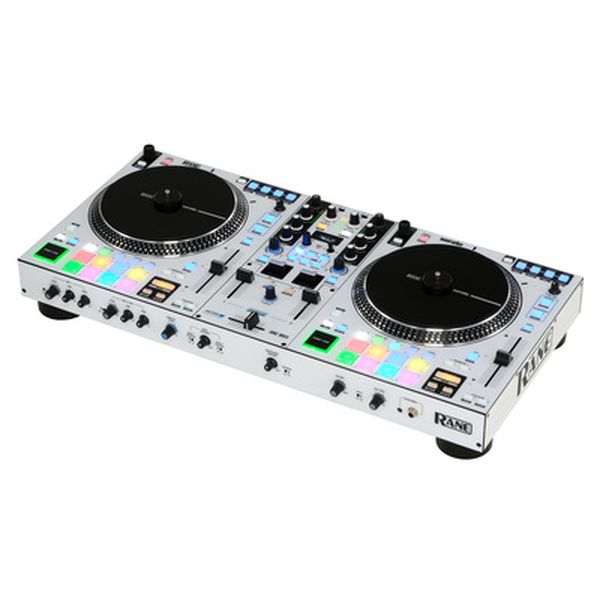
Rane
One MKII
Don’t activate the echo too close to the fade-out; instead, gradually bring it in using the intensity knob so it doesn’t hit too abruptly. Echo needs a moment to unfold its full impact.
Also pay attention to the chosen beat length — the interval at which the echo repeats. Half-beat or full-beat settings usually work best, sounding neither too short nor too drawn out.
Avoid using echo during the full intensity of a track, as it will just muddy the sound. Instead, use it in calmer sections such as breakdowns, where it can shine and help you build additional tension.
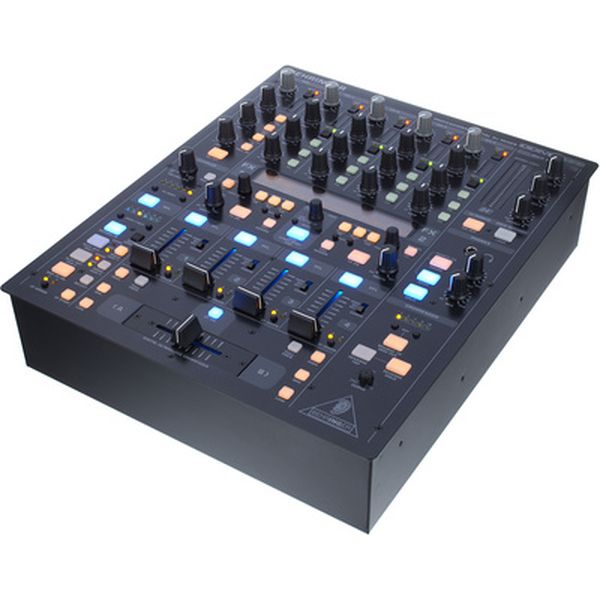
Behringer
DDM4000
If you can set the echo length manually and independently of beat values, try adjusting it to the shortest possible repeat time. The very tight overlaps create an almost synthetic sound that, with gradually increasing intervals, morphs into something resembling a mix of reverb and flanger — great for adding extra tension. Many techno DJs already did this with the classic DJM-500.
2.) Delay
Delay works similarly to echo, but with only one repetition, which creates a doubling effect. This second hit plays at the distance defined by the beat length — ideally shorter than one beat. With drum elements, delay adds extra rhythmic layers and injects energetic drive.
Usage:
Especially in rhythm-driven electronic music with long, repetitive phrases, delay can create compact, self-performed, tension-packed breakdowns. I recommend setting the beat length to 3/4 so the hits shuffle. During groove loops and breakdowns, lower the bass EQ, then activate the delay. Afterwards, raise the bass EQ briefly on every second or fourth beat to add pulsating delay accents.
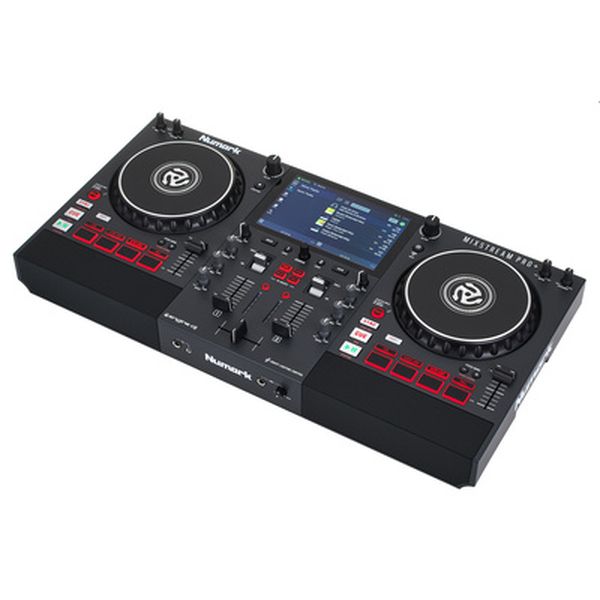
Numark
Mixstream Pro+
3.) Reverb
Reverb is a type of ambience effect that simulates the acoustics of a room — anything from a club to a church — creating depth and atmosphere. It’s commonly used in the studio on vocals or instruments such as saxophone or trumpet to make recordings sound less dry and more spacious and full. Gradually increasing the reverb on a playing track alters the sound as if you were slowly walking out of the club.
Usage:
Use reverb selectively on individual sounds and transparent breakdowns with vocals or pads (strings and synth pads). During transitions, place the reverb right before the track exits, hitting the last snare to let the track wash out naturally.
Numark
Mixstream Pro+
4.) Flanger and Phaser
Both of these classic effects duplicate the signal with a slight delay, creating a floating, wave-like sound. Flanger tends to sound more metallic and energetic, while phaser has a more spacey but softer character.
Usage:
I love using these effects especially in quiet sections and breakdowns to enhance the atmosphere. Applied to a hi-hat — the classic Kraftwerk “Trans-Europe Express” example — the sound pans beautifully in a spherical, drifting way. However, don’t overdo their intensity, and ideally set their cycle length to 8, 16, or 32 beats so the effect creates a smooth, atmospheric layer. At shorter intervals, flanger and phaser morph into a kind of wah-wah effect.
5.) Filter
Filters have long existed on DJ mixers in the form of bass, mid, and treble EQs. However, dedicated high-pass filters (removing the bass) and low-pass filters (removing the highs) for each channel are a more recent development. With adjustable resonance — such as on the Allen & Heath Xone 96 (https://www.thomann.de/intl/allen_heath_xone_96.htm) — low-pass and high-pass filters sound increasingly fierce. The goal: to create more tension.
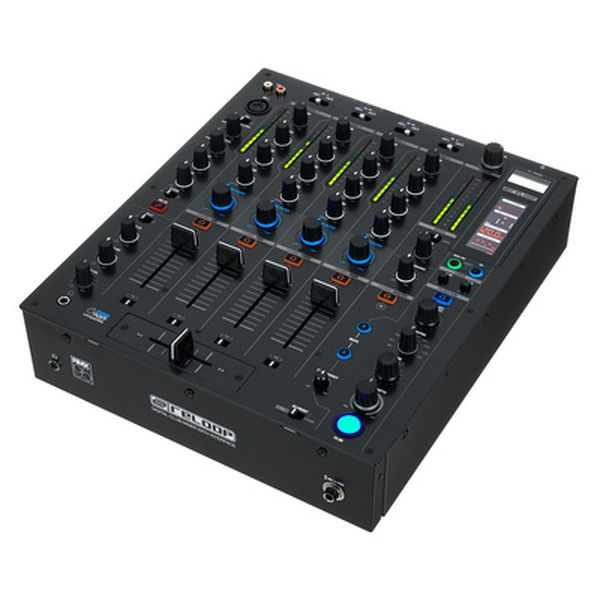
Reloop
RMX-95
Usage:
House and techno DJs swear by filters when executing long, multi-phrase transitions to make a track disappear very gradually. During build-ups in breakdowns, I like to create extra tension by slowly filtering out highs or lows, then bringing them back in fully at the drop for maximum energy impact on the dancefloor. Even mid-track, filters are great for adding small, spontaneous highlights.
6.) Bitcrusher and Noise
These two belong to the newer generation of filters and are usually available as channel or colour FX. A bitcrusher intentionally degrades the signal by reducing digital resolution (8-bit depth) or the sample rate, producing a rough, distorted, digital-sounding texture. Noise adds an increasingly intense layer of noise on top of the filter, building additional tension.
Usage:
Both effects are ideal for crafting your own energetic drops, and the bitcrusher also works well for ending a transition, as the signal fully mutes when the control reaches its maximum position.
7.) Loop Roll and Auto Loop
This is another modern effect found on contemporary DJ mixers and controllers. It allows you to loop a short segment of the playing track while it continues to run in the background, enabling you to create your own breaks or build-ups and introduce new rhythmic accents.
Auto loops can also be used to create an intensifying build-up by shortening a looped fragment of the track from a full beat down to a 1/32 beat. The tempo for halving the loop length corresponds to the BPM — in other words, one loop length per beat.
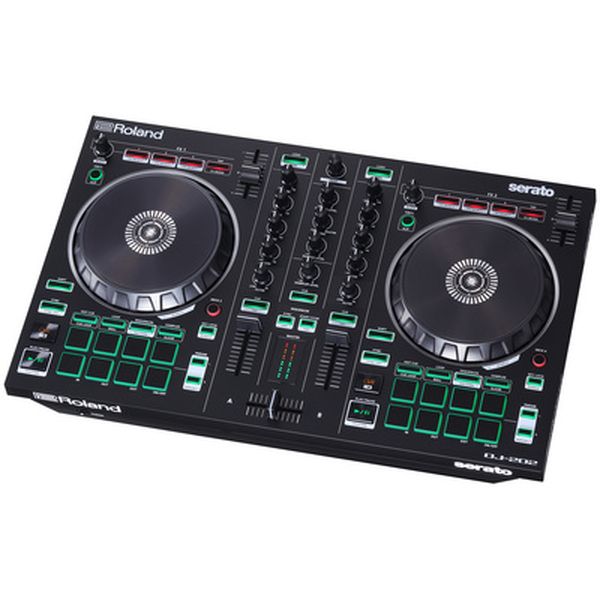
Roland
DJ-202
Usage:
A 1/4-beat roll loop, followed by progressively shorter rolls just before a drop, creates additional tension. A constantly tightening auto loop works best in the breakdown directly before the drop. With these effects, perfect timing is crucial to achieving the intended energy boost.
DJ Effects: Combinations
You can add even more punch to your FX work by combining a rhythm-driven effect such as echo or delay with a spacious reverb, filter, or even flanger or phaser. But once again: less is often more.
Serato
DJ Pro Download
Conclusion: DJ Effects
DJ effects are far more than gimmicks — they count as genuine DJ skills. As creative tools, they help you personalise your set, enhance the atmosphere, and even add a visual performance element through expressive physical interaction. But ultimately, the success of any effect depends on hitting the right moment.
Do you use DJ effects in your sets? If so, which are your favourites? Let us know in the comments!
This is a translation of an article originally written by guest writer Dirk Duske for the German t.blog.






Comments 0
No comments yet.