
Shure MV88-USBC

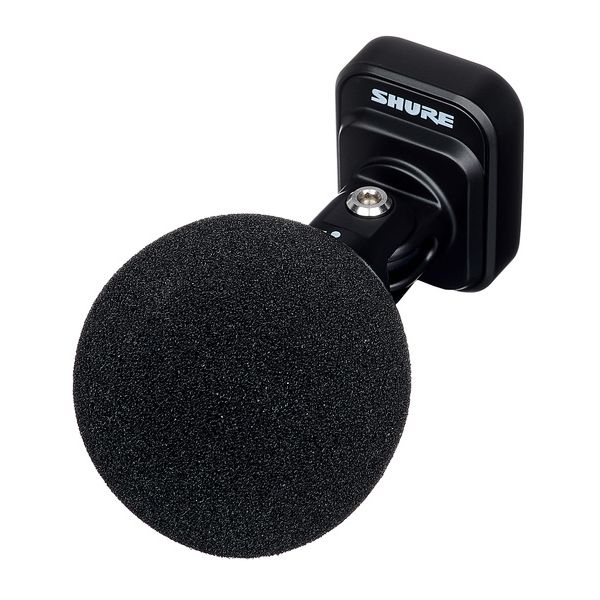
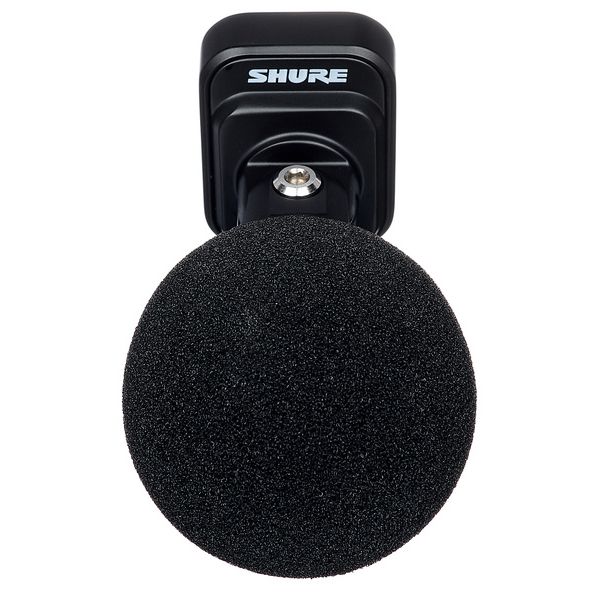
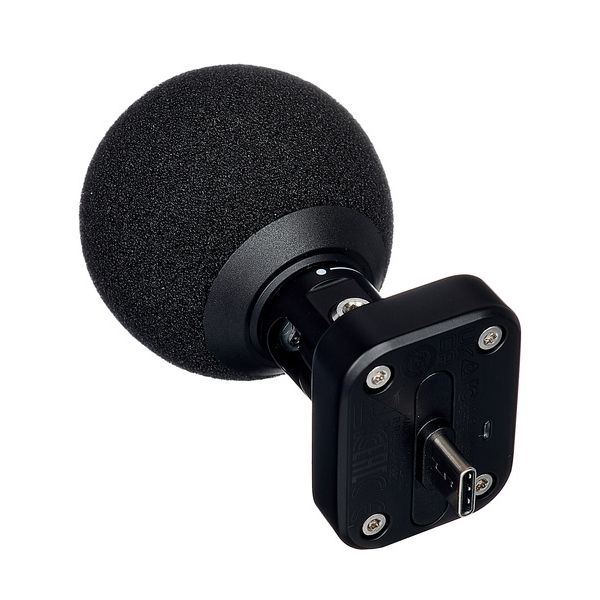
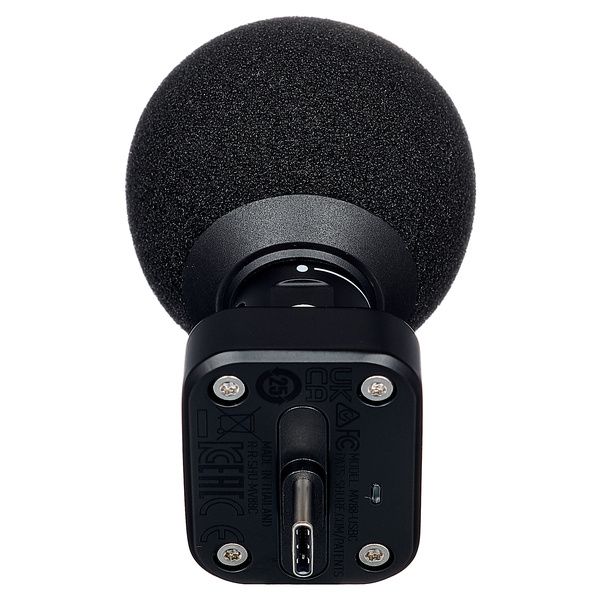
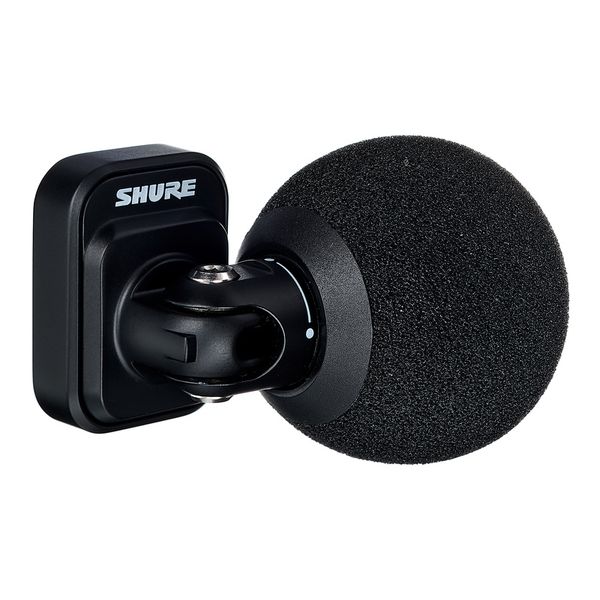
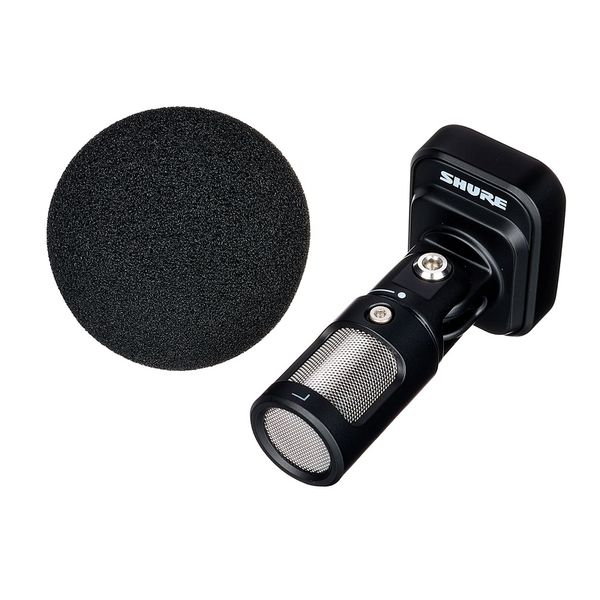
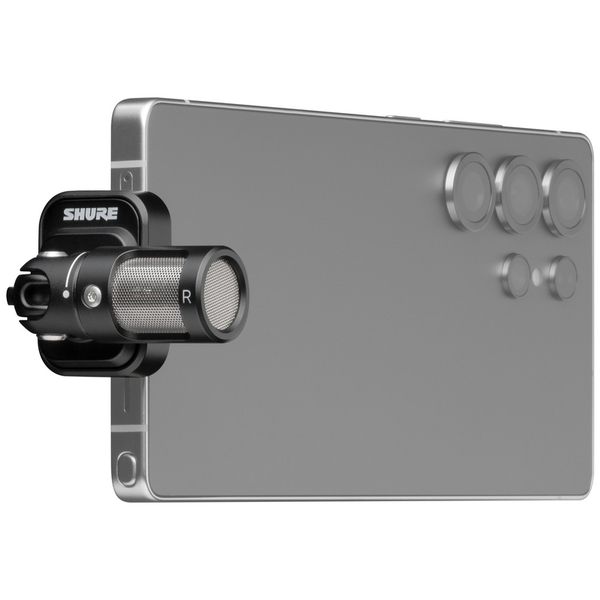
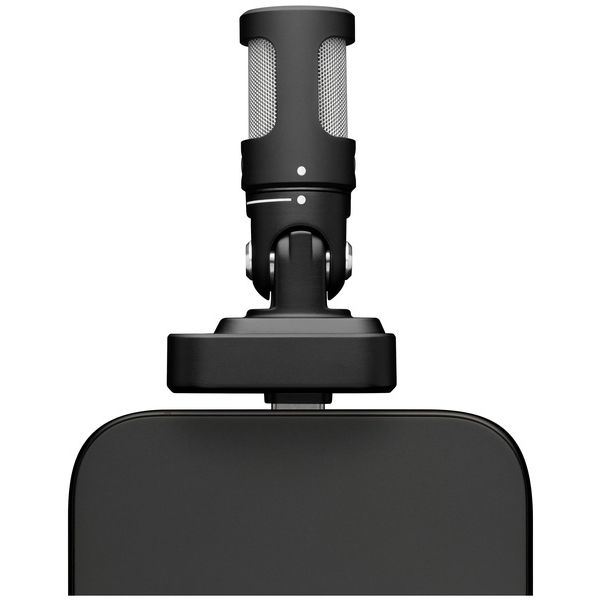
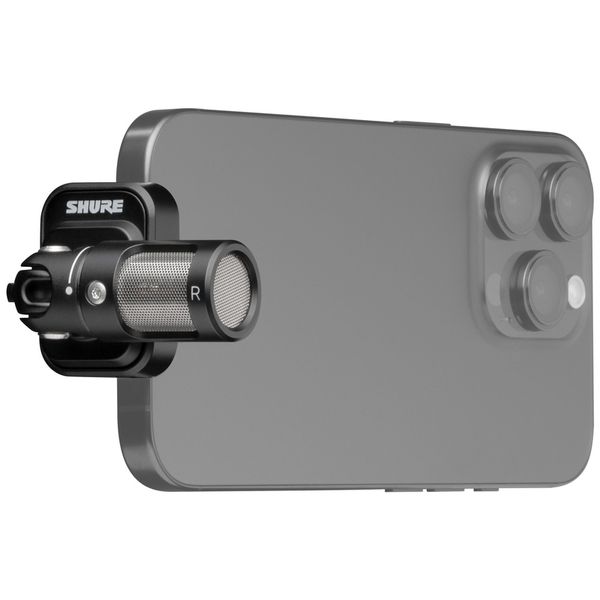


Condenser USB-C Stereo Microphone
- Compatible with iPhone and Android
- Four selectable polar patterns: Stereo (adjustable from 60° to 135°), Mono (cardioid), Mono (figure-8), Raw centre-side
- Five preset modes: Speech, Singing, Flat, Acoustic, Loud
- With real-time denoiser, limiter, 5-band equaliser and auto level mode
- Switchable high-pass filter: Off / 75 Hz / 150 Hz
- Compressor: Off / low / medium / high
- Maximum sound pressure level: 120 dB
- Sensitivity: -32.75 dBFS/Pa
- Frequency response: 20 – 20,000 Hz
- Bit rate: 24-bit (smartphone)
- Sample rate: 48 kHz
- Gain control range: 0 – 36 dB
- Material: Aluminium
- Dimensions (W × H × D): 27 × 68 × 36 mm
- Weight: 40 g
- Colour: Black
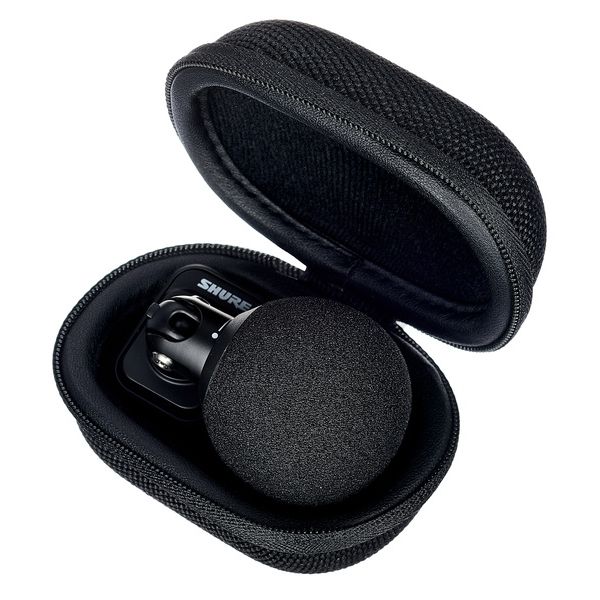
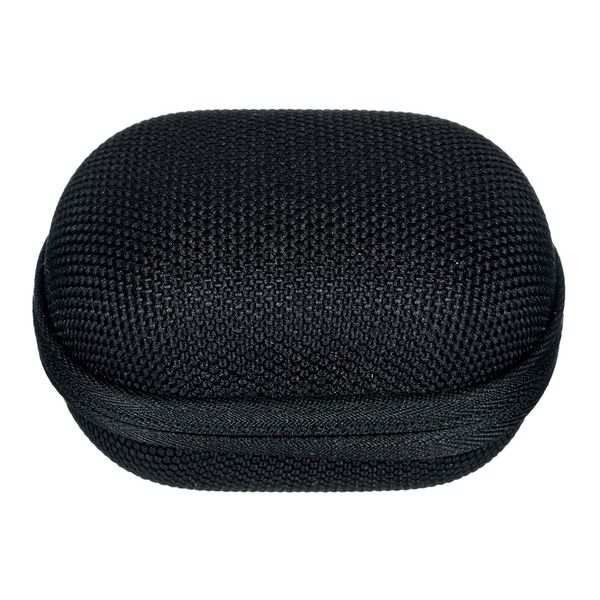
- Includes storage bag and foam windscreen
-
Available since January 2026
-
Item number 634682
-
Sales Unit 1 piece(s)
The pocket-sized studio
The Shure MV88 USB-C is a compact stereo condenser microphone that plugs directly into any USB-C smartphone, tablet, or computer, delivering an immediate upgrade in audio quality over a built-in mic with no pairing or charging required. Setup, if needed, is handled in the MOTIV app. Its M/S capsule configuration combines a forward-facing cardioid with a side-facing figure-of-eight, offering four selectable recording modes via the MOTIV app – all in a body just 68mm long that rotates and tilts up to 90° for precise positioning in both selfie and forward-facing modes. Auto Level Mode controls gain in real time for consistently balanced audio, while the Real-time Denoiser strips background noise before it reaches the recording. The MV88 ships with a foam windscreen and protective carry case, and at just 40g it'll sit unnoticed on any device. A 3.5mm headphone output supports latency-free monitoring directly from the mic.

)
Hear want you want to hear
The MV88's condenser capsule covers a frequency range of 20Hz–20kHz at 24-bit/48kHz resolution, with a 120dB max. SPL handling everything from quiet ambient detail to loud live performance without clipping. Its Real-time Denoiser, a sophisticated feature for the mobile microphone category, isolates the primary source effectively in demanding environments, flattening café chatter and street traffic to the point where they barely register in the recording. The compressor reduces the dynamic range to achieve a consistent signal level, while the limiter prevents distortion and clipping, even under extreme close-miked shouting conditions. The Denoiser operates only in mono cardioid and mono bi-directional modes – switching to stereo or raw mid-side disables it, as the mic cannot separate ambient from primary sound across both capsules simultaneously.
)
Built for creators on the move
The MV88 is aimed at content creators, mobile journalists, and field recordists who want a significant audio upgrade over their smartphone's built-in microphone without the complexity or cost of a wireless rig. Its plug-and-play USB-C connection works with any recording app as a standard audio device – the MOTIV app unlocks control over polar pattern selection, DSP settings, and the full preset library, but is not required for basic recording. The five presets offer a practical starting point for less experienced creators, while the full DSP toolkit rewards deeper exploration. MOTIV also handles markers, trimming, and basic editing in-app, so a recording can leave the phone ready to publish. One practical note: the MV88 sits flush with the device, requiring a phone case no thicker than 2.1mm for a secure fit; thicker cases may require a USB-C extension adapter.
)
About Shure
The American company Shure began developing microphones during the early 1930s and is one of the pioneers of the audio engineering sector. Models such as the 55 Unidyne – known to many as the "Elvis microphone" – and the SM57 and SM58 which appeared in the mid-1960s are still ubiquitous in live sound production today. They enjoy cult status among musicians and technicians alike. In the 1990s, Shure introduced the first wireless microphones and in-ear monitoring systems and became a market leader in this field. In addition to microphones, Shure offers a wide range of earphones and headphones for studio and live use, as well as various accessories.
A day in the life of the MV88
Each polar pattern has a clear place as part of the MV88's working day. For a street interview, mono cardioid with the Denoiser active isolates the subject's voice cleanly against traffic and crowd noise. Switching to mono bi-directional captures both sides of the conversation without the user even having to reposition the mic. For a live music set or natural ambience, adjustable stereo captures a wide, immersive soundstage. Raw mid-side records both capsules simultaneously for maximum flexibility in post-production – ideal for sound design, field recording, or any situation where the stereo image needs to be adjusted after the fact.
In the spotlight
Shure MOTIV ecosystem
The MOTIV Video and MOTIV Audio apps form the control hub for Shure's MOTIV and MoveMic microphone ecosystem, which includes the MV88 USB-C, MV88+, and the wireless MoveMic 88+. The apps offer users direct access to polar pattern selection, DSP, and recording parameters on iOS and Android. Four polar patterns cover the most common capture scenarios: adjustable stereo (60° to 135°) for music and ambience, mono cardioid for focused speech, mono bi-directional for two-way interviews, and raw mid-side for post-production flexibility. Five customisable presets cover common starting points, with the full DSP toolkit available underneath for finer adjustments. The wired MV88 models connect as standard USB audio devices, so any recording app sees them; MOTIV layers control on top rather than gating basic functionality. The MoveMic 88+ extends the family wirelessly: It records direct-to-phone over Bluetooth, or routes through the receiver to cameras and third-party apps for uncompressed 24-bit quality.
)